


A waiting room screen has to do more than fill space. It can welcome visitors, show the people behind a service and make a familiar community feel visible—without turning the display into another task to rebuild each week.

Choose photos with a purpose
Think of a clinic team introduction, local community event, charity initiative or before-and-after venue story. A focused album gives visitors something pleasant to look at while they wait. It can also help a service feel less anonymous.
Keep privacy central. Do not place patient images, names or sensitive details in a public shared album unless you have clear permission and an appropriate review process. Staff and community photos should be selected for a public audience.
Create a display that suits a quiet space
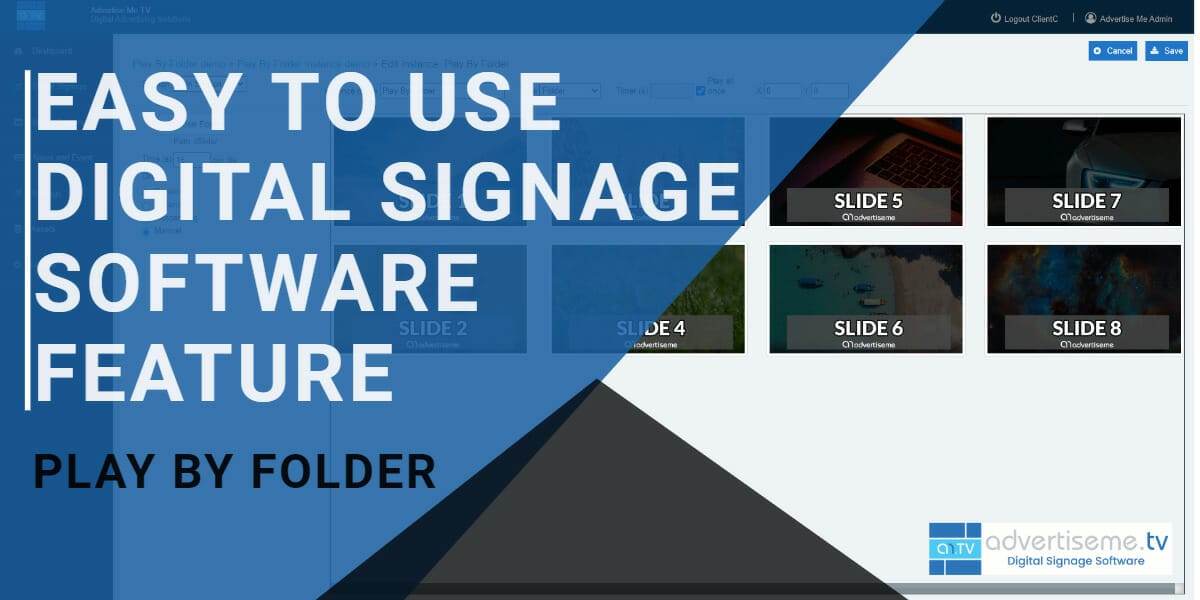
The tool converts a shared Google Photos album into a slideshow. Paste the link into the setup wizard, choose a suitable layout and preview the result. The All-in-One Signage screenshot above shows the site positioning the slideshow for TV displays.
For a waiting room, favour readable titles and a calm pace. Check that crops work on the actual screen, especially if people sit off axis. If you use music, test the volume in the room; many reception areas are better with a silent display.
Give the content an owner
Assign one person to review additions to the shared album. A simple rule works well: every image should support the display purpose, be current and be safe for visitors to see. Remove dated campaign photos when they stop being useful.
The album approach is practical because the content owner can update the image collection while the screen layout stays consistent. Check the live preview after major changes.
Blend the slideshow with useful signage
Advertise Me TV can present the slideshow link as web content on compatible players. Put it in a reception playlist between welcome messages, service information and health campaigns. Test the link on each target screen, then schedule the playlist so important notices get enough time to be read.
A slideshow is strongest when it supports the room’s main information, not when it hides it. Keep critical directions and service changes in clear, dedicated signage content.

Our latest digital signage software projects
GOOGLE PHOTOS SHARED ALBUM LIVE SLIDESHOW TOOL
Create a live slideshow from a shared Google Photos album and show it on digital signage screens.
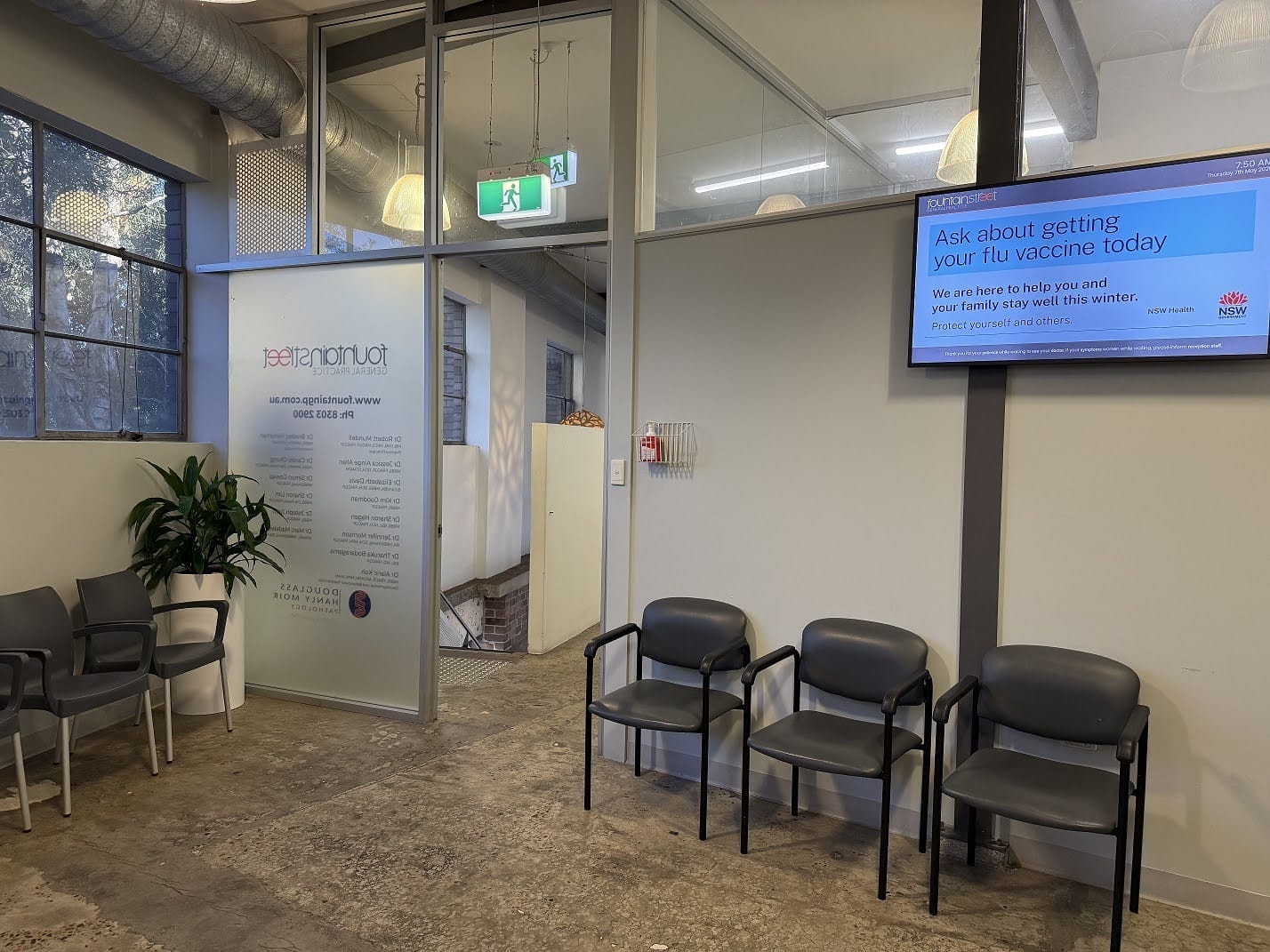
FOUNTAIN STREET GENERAL PRACTICE MEDICAL BOARDS
About this digital signage project Delivering a modern [...]
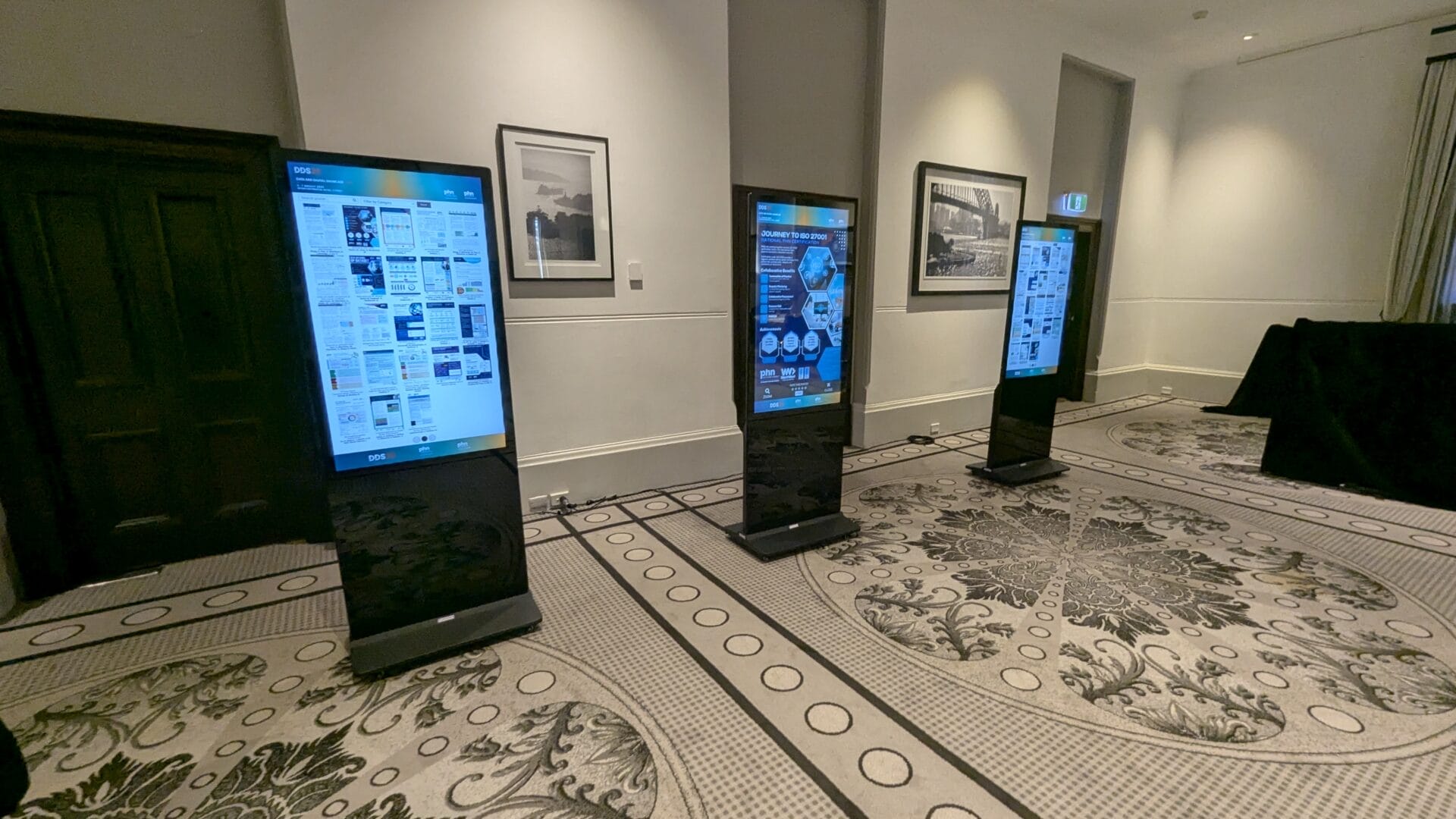
EPOSTERS CONFERENCE EVENT FOR CESPHN DDS25
About this digital signage project Advertise Me partnered [...]
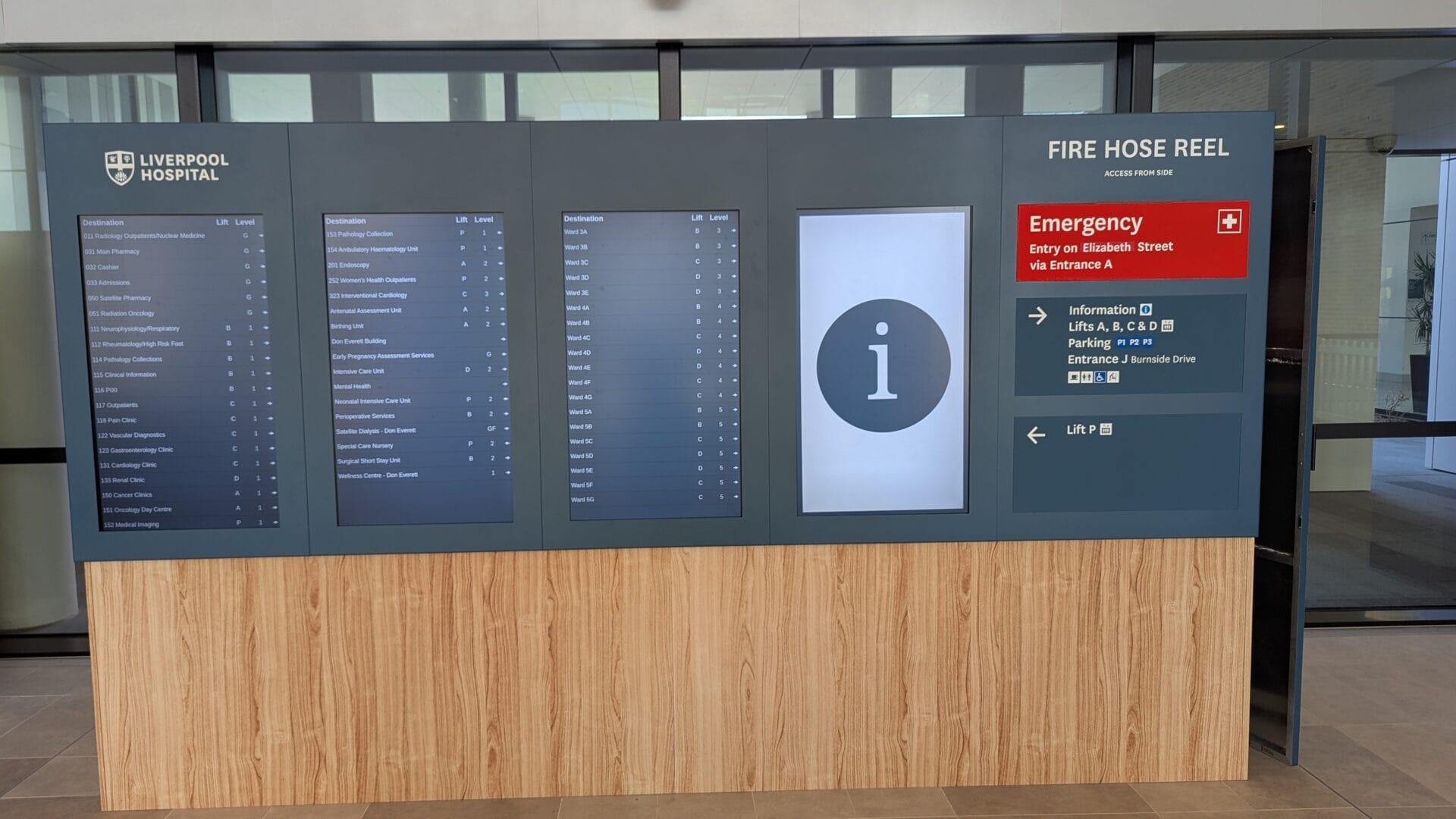
DIRECTORY BOARD LIVERPOOL HOSPITAL
About this digital signage project Our innovative Digital [...]
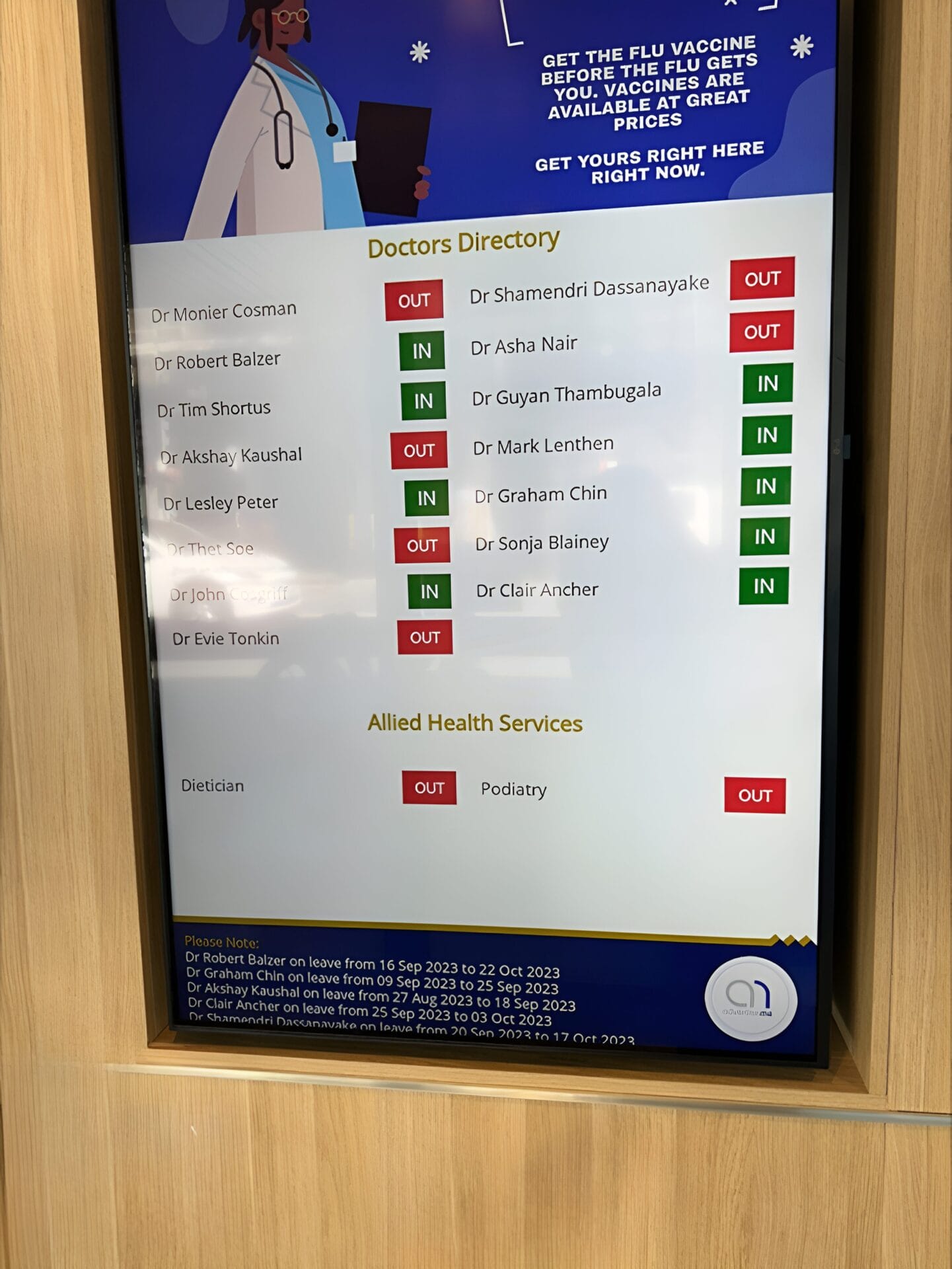
FULLERTON BROADWAY MEDICAL CENTRE DOCTOR DIRECTORY MEDICAL BOARD
About this digital signage project Our Digital Signage [...]
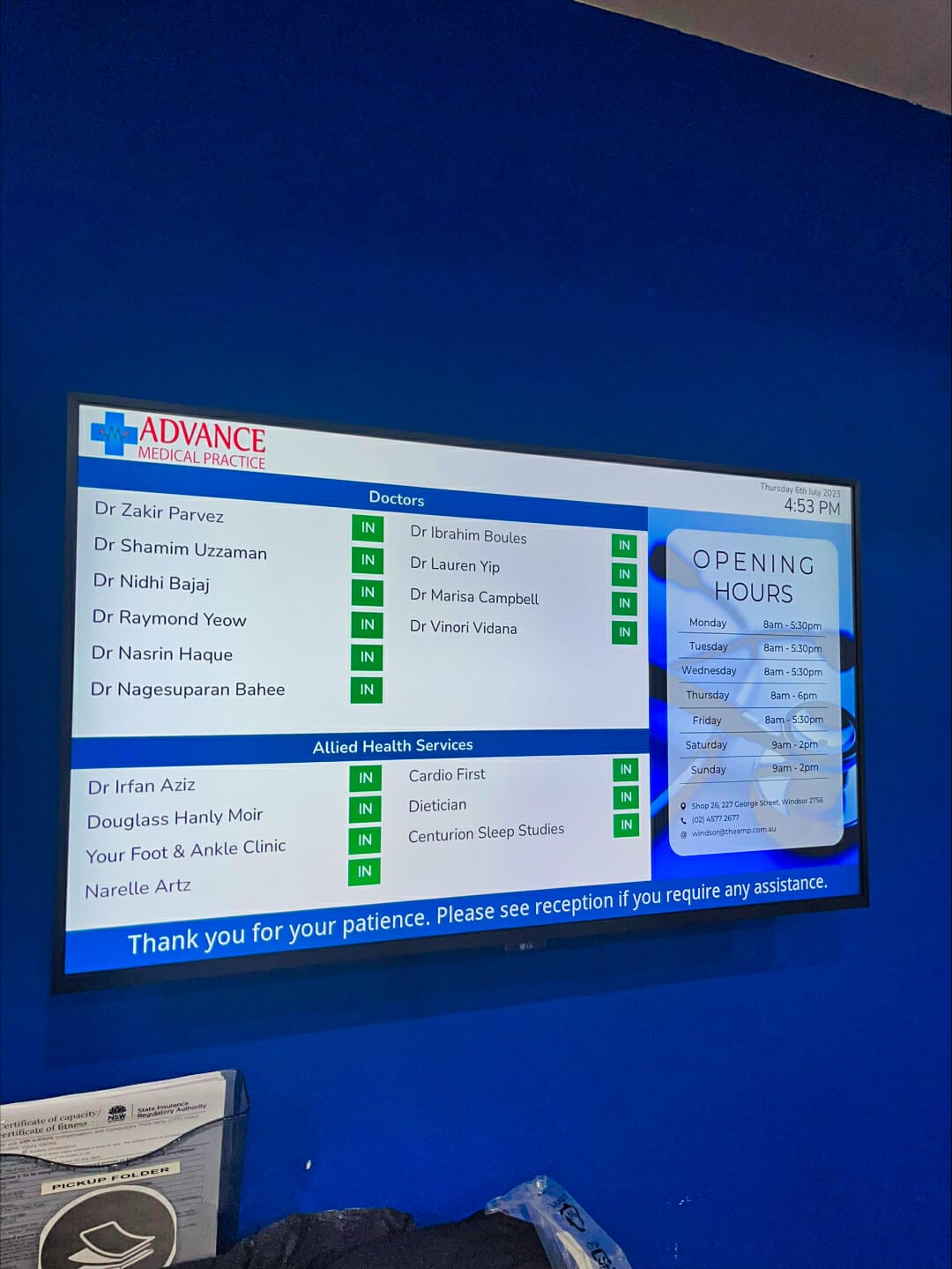
ADVANCE MEDICAL PRACTICE CENTRE DOCTOR DIRECTORY MEDICAL BOARD
About this digital signage project We used our [...]
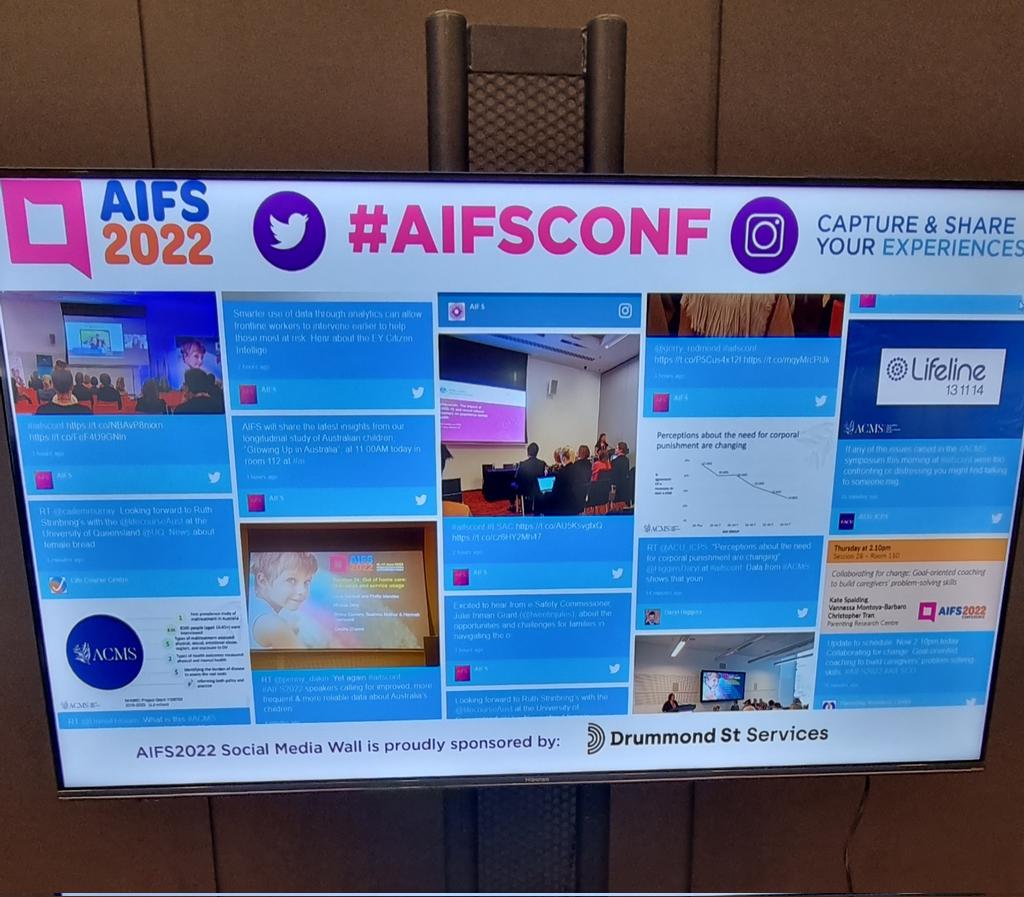
SOCIAL WALL FOR AIFCONF 2022
About this digital signage project We used our [...]
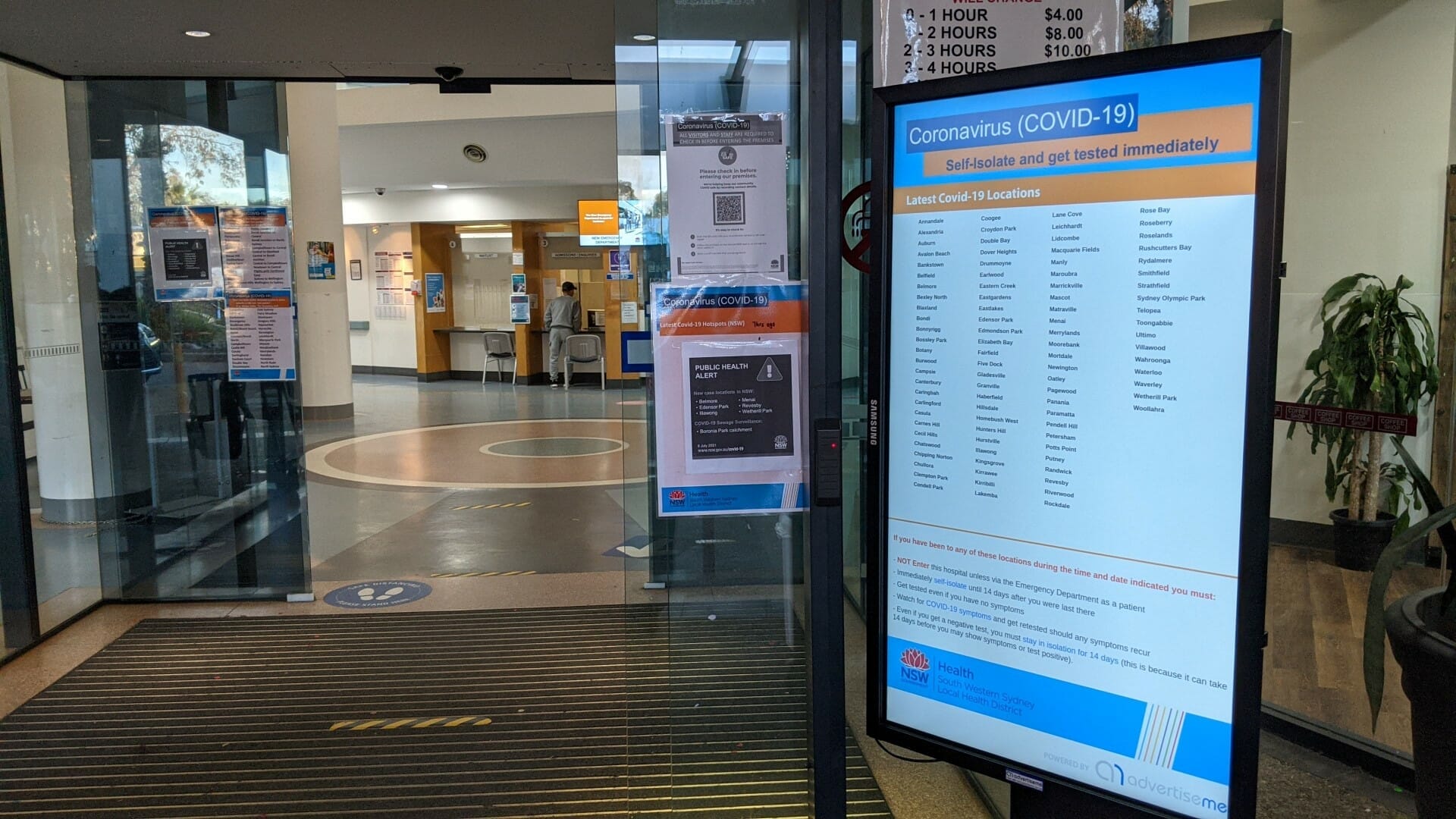
HOSPITAL PORTABLE STANDS FOR BANKSTOWN HOSPITAL
About this digital signage project We used our Digital [...]
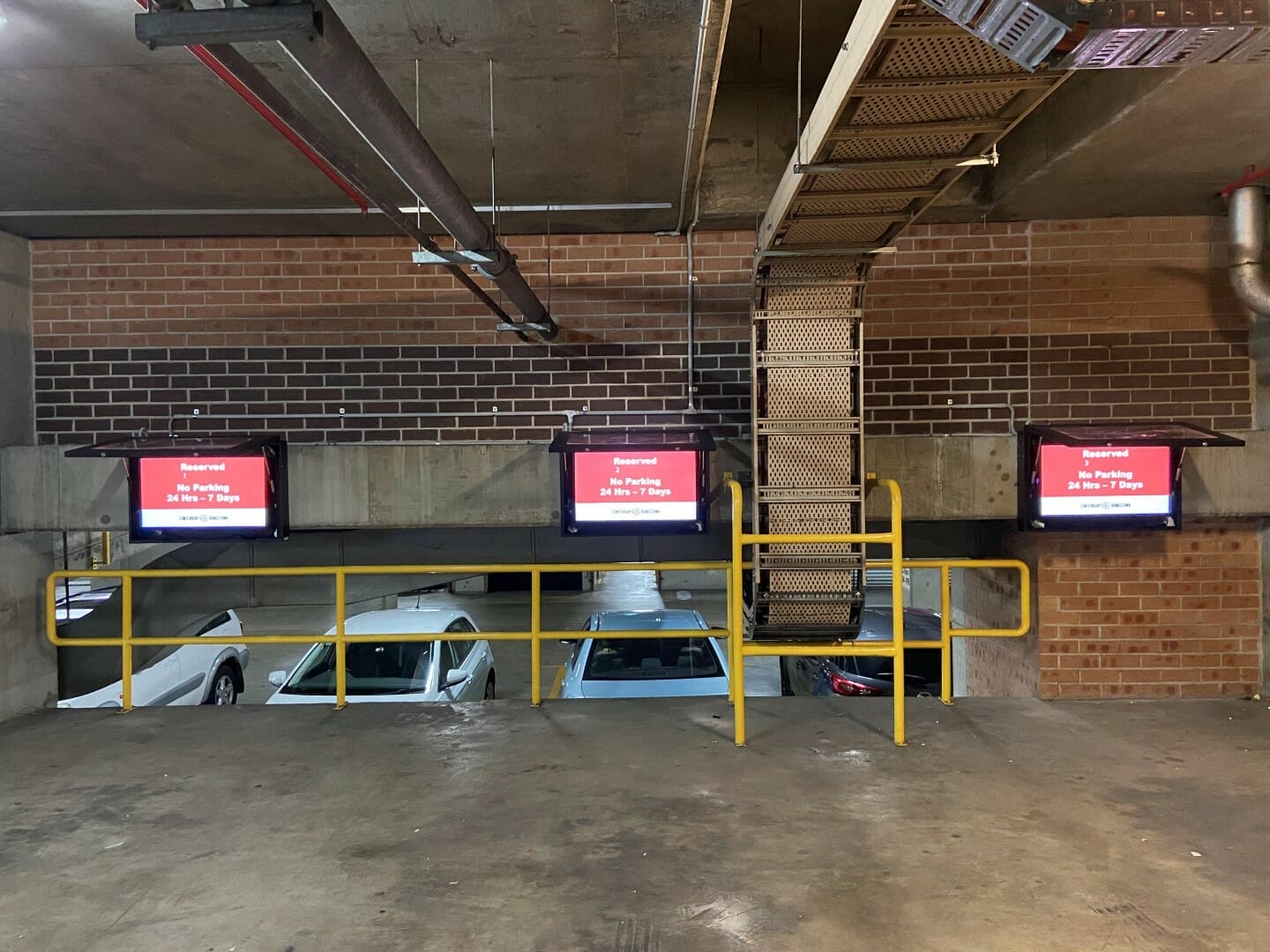
CAR PARK SYSTEM FOR COUNCIL
About this digital signage project We used our [...]
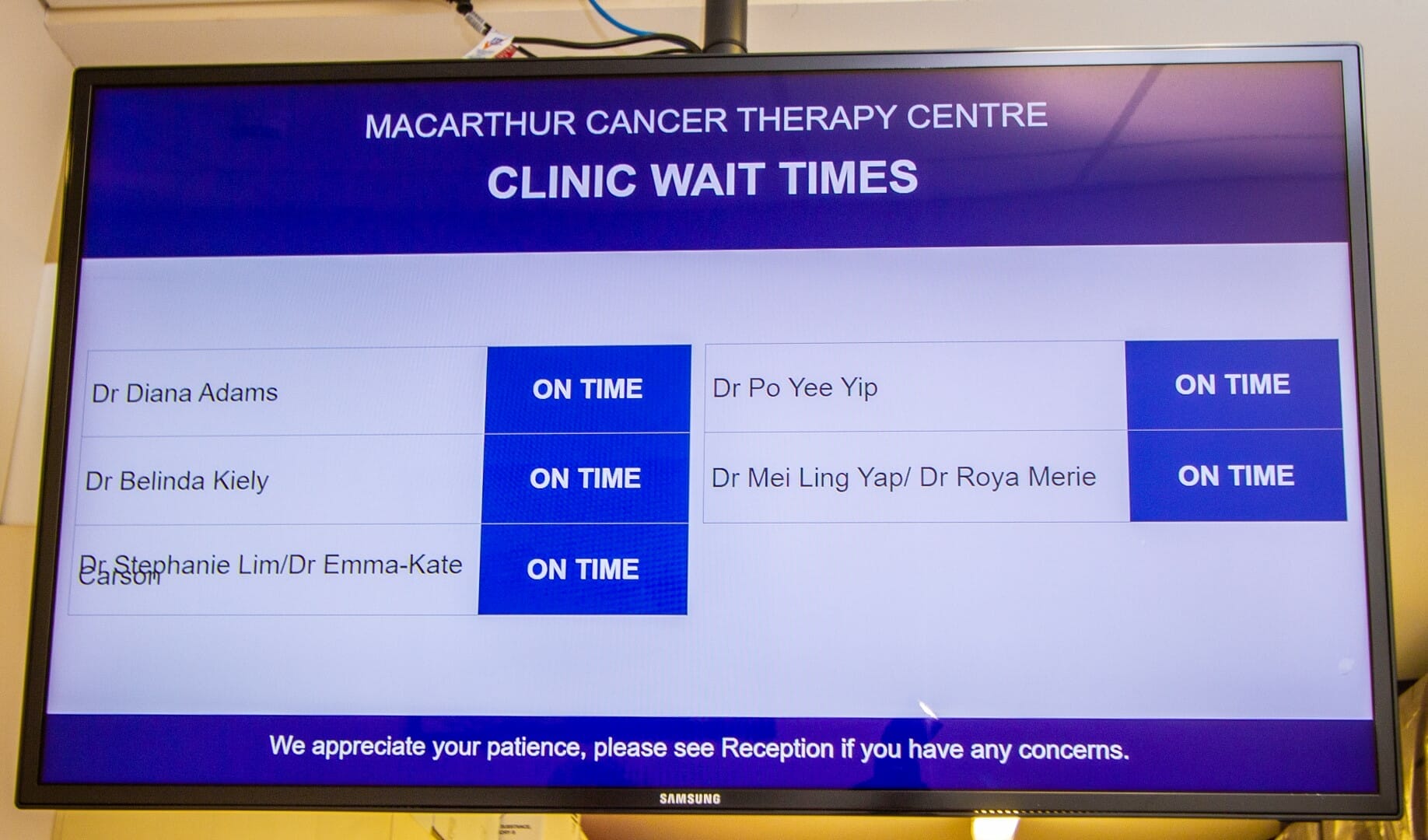
CLINIC WAIT TIMES FOR CANCER THERAPY CENTRE
About this digital signage project We used our [...]