


A birthday slideshow should feel like the party, not like a folder of files someone had to assemble at the last minute. With a shared album, the display can start with old favourites and pick up new memories as guests arrive.

Open with the photos that tell a story
Choose a handful of childhood snapshots, family favourites and recent adventures before the event starts. Place them in a shared Google Photos album, then make sure the link can be opened in a private browser window. That quick check can prevent an empty screen at the venue.
The birthday example shown above comes from the tool website. Its event screen offers a useful reference for a lively but readable presentation.
Invite contributions during the party
Give a few trusted guests a way to add their favourite photos. New images can turn the screen into a running conversation: a family member recognises an old picture, someone spots a moment from an hour ago, and the room has a reason to gather around the display.
For a public venue, review contributions before they appear. Keep the album focused on the guest of honour and the people who want to be part of the display.
Set up the slideshow for the room
Open Slideshow Photos Album, paste the link into the Wizard, choose a style and preview the output. Test the generated display link on the exact television or projector. A bright reception area may need stronger contrast; a small lounge screen may benefit from fewer on-screen details.
Run through several slides while the room is set up. Look for awkward crops and photos that are too dark to read from a distance.
Coordinate it with venue signage
If the venue uses Advertise Me TV digital signage software and its player supports web content, add the display URL to the party screen playlist. Schedule a welcome slide first, switch to the live photo story during the gathering, and return to practical messages when needed.
For multiple screens, use the signage platform to select which display gets the slideshow. A photo wall near the cake table can run continuously while an entrance screen keeps directions and timings visible.
Our latest digital signage software projects

GOOGLE PHOTOS SHARED ALBUM LIVE SLIDESHOW TOOL
Create a live slideshow from a shared Google Photos album and show it on digital signage screens.
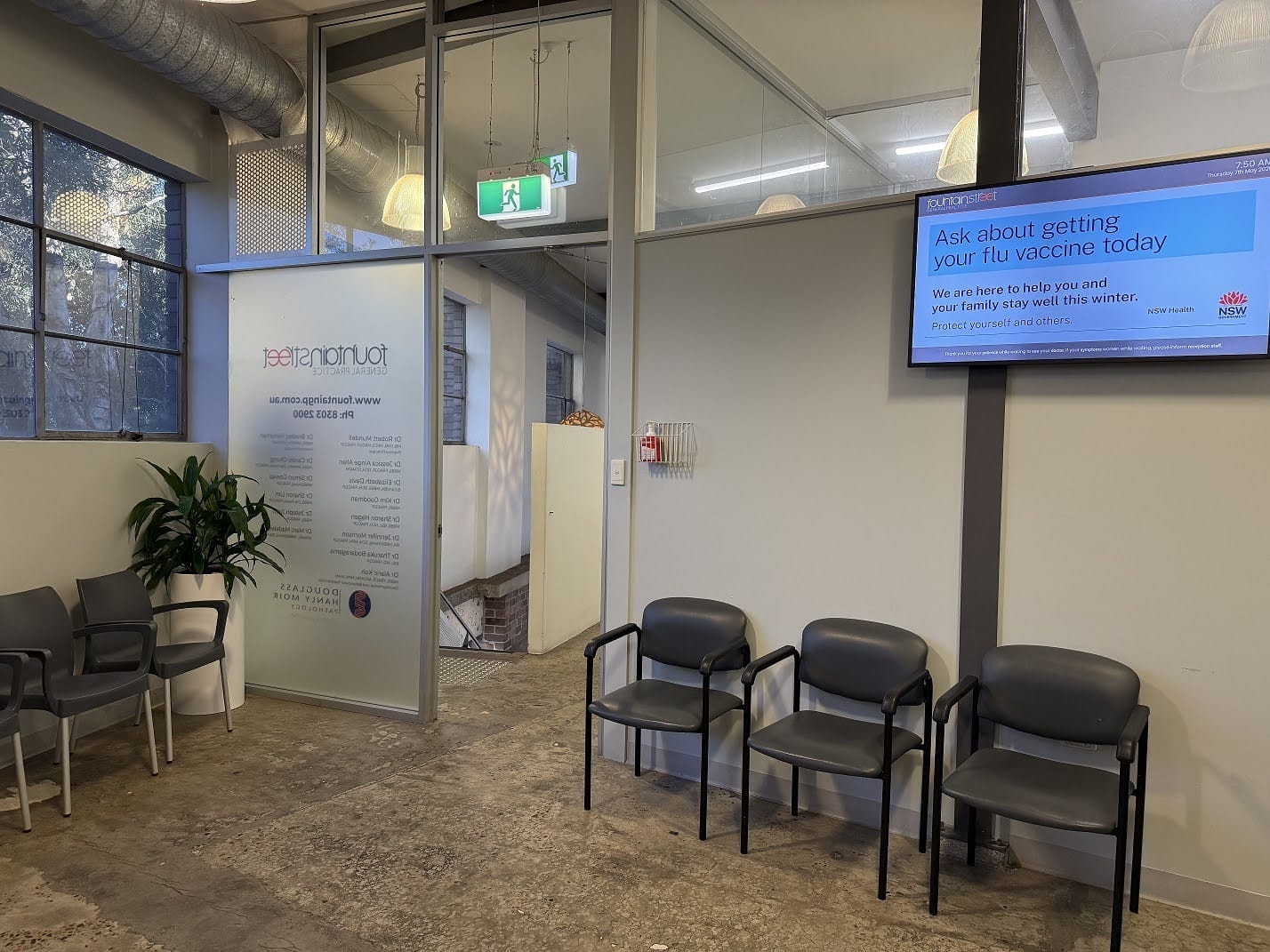
FOUNTAIN STREET GENERAL PRACTICE MEDICAL BOARDS
About this digital signage project Delivering a modern [...]
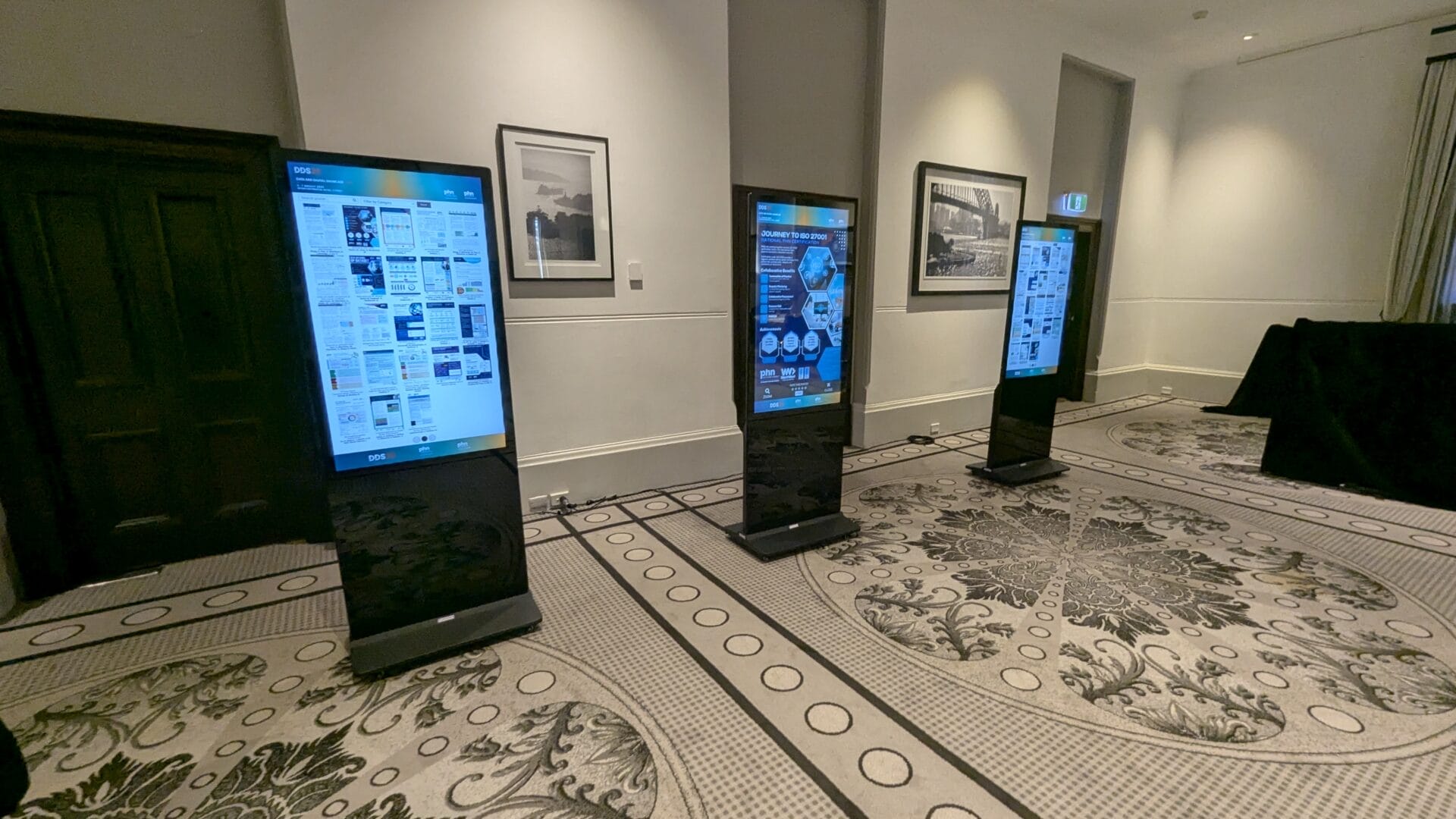
EPOSTERS CONFERENCE EVENT FOR CESPHN DDS25
About this digital signage project Advertise Me partnered [...]
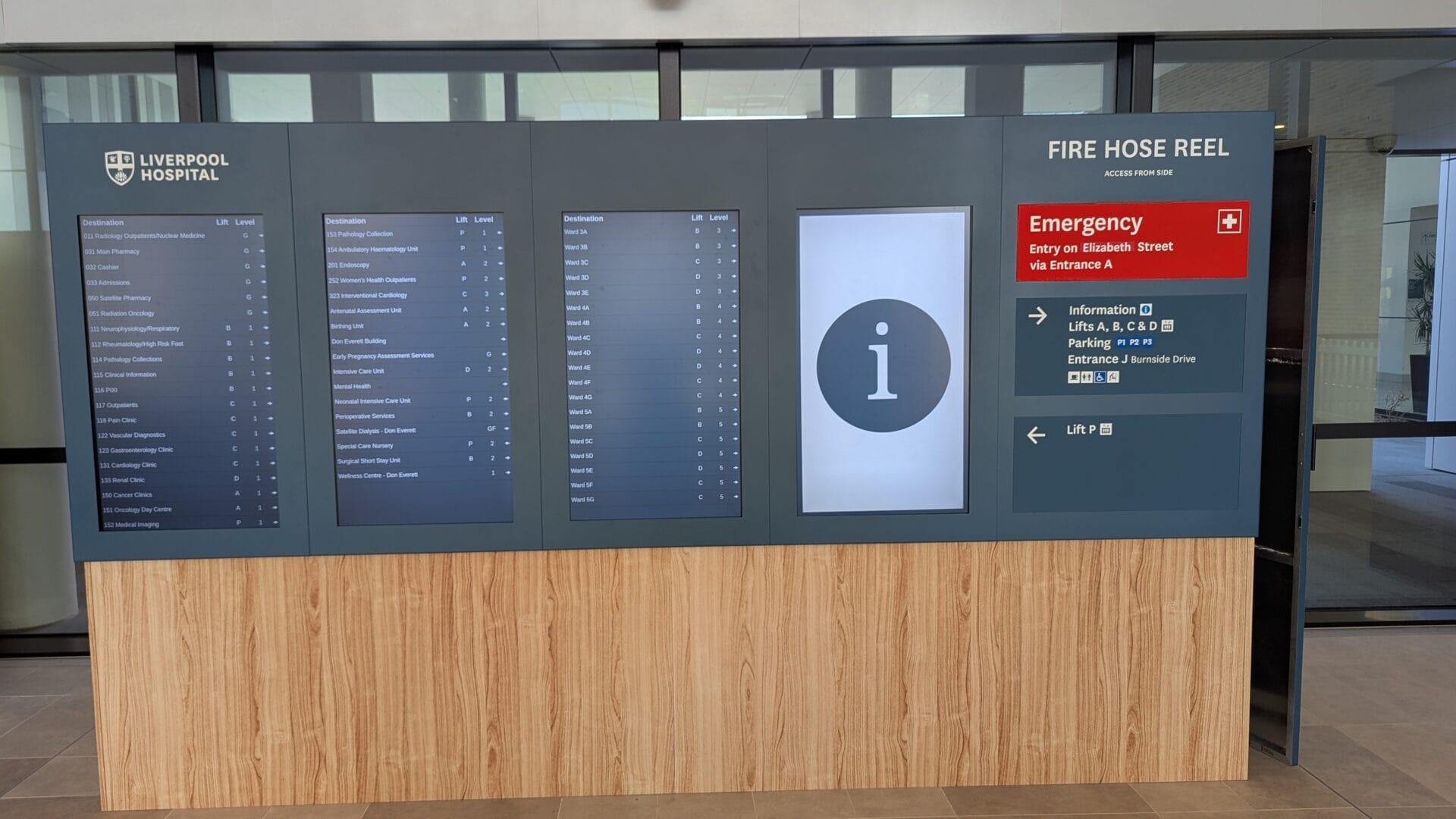
DIRECTORY BOARD LIVERPOOL HOSPITAL
About this digital signage project Our innovative Digital [...]
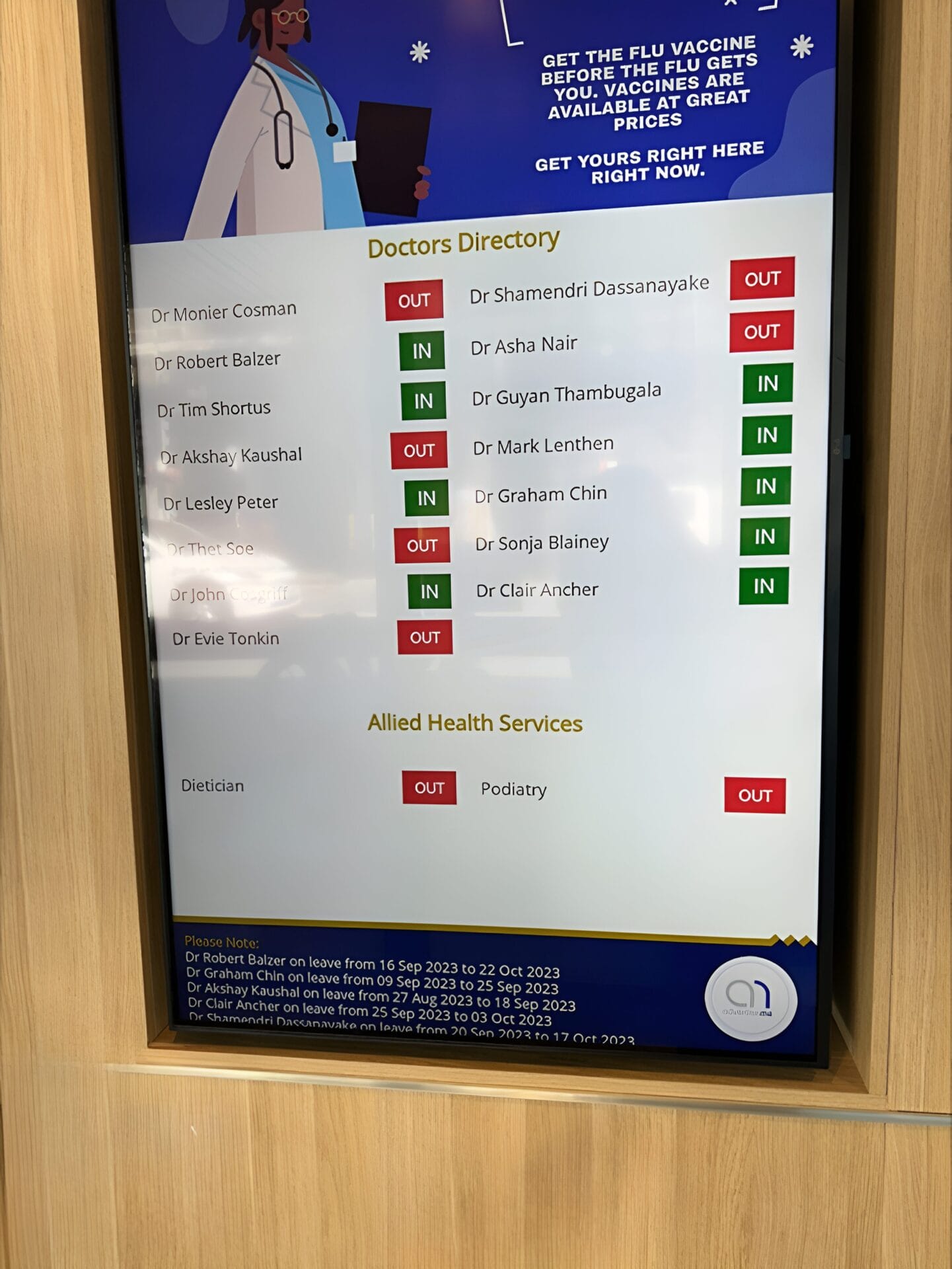
FULLERTON BROADWAY MEDICAL CENTRE DOCTOR DIRECTORY MEDICAL BOARD
About this digital signage project Our Digital Signage [...]
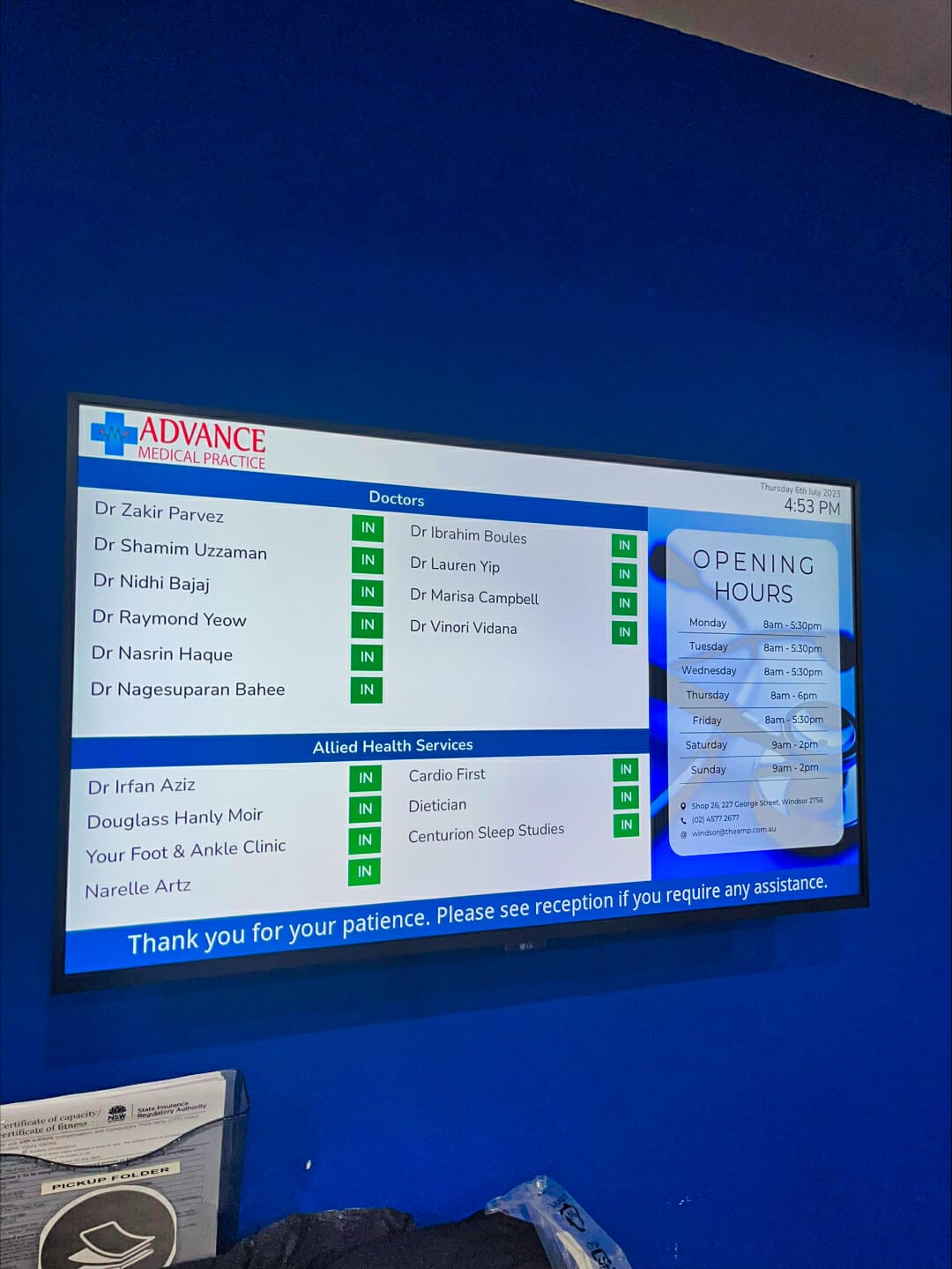
ADVANCE MEDICAL PRACTICE CENTRE DOCTOR DIRECTORY MEDICAL BOARD
About this digital signage project We used our [...]
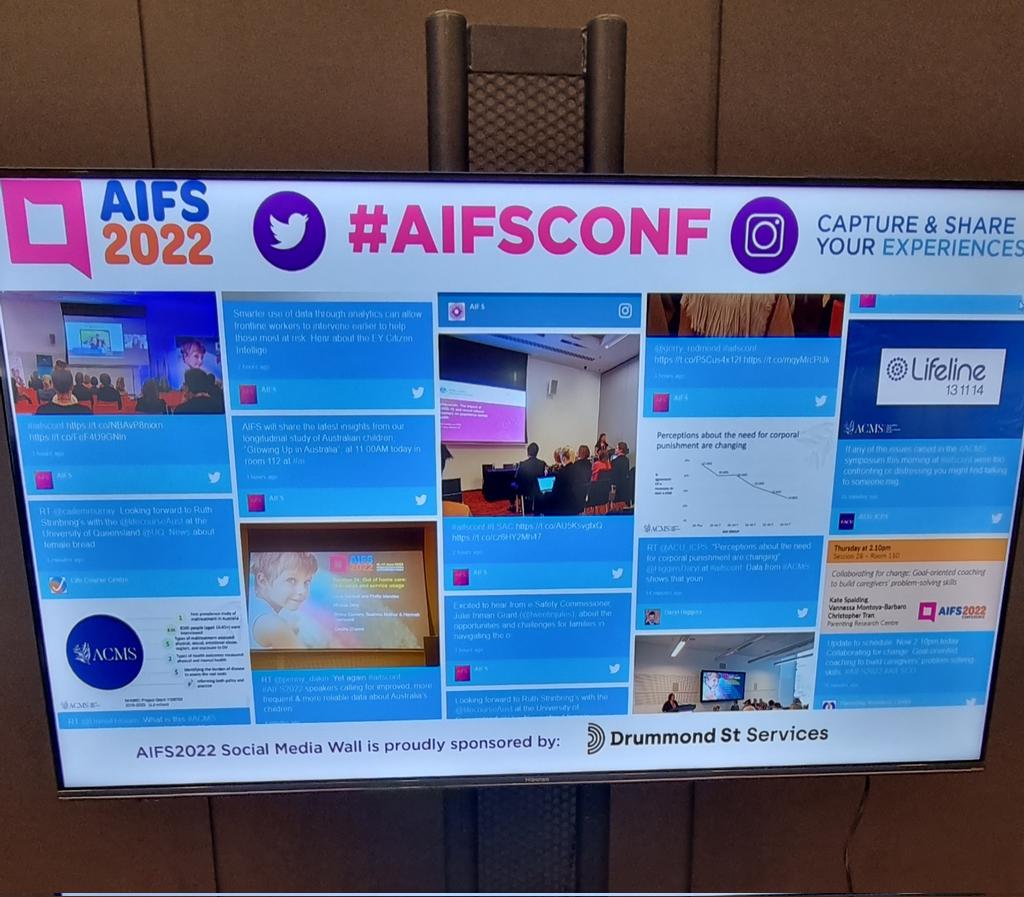
SOCIAL WALL FOR AIFCONF 2022
About this digital signage project We used our [...]
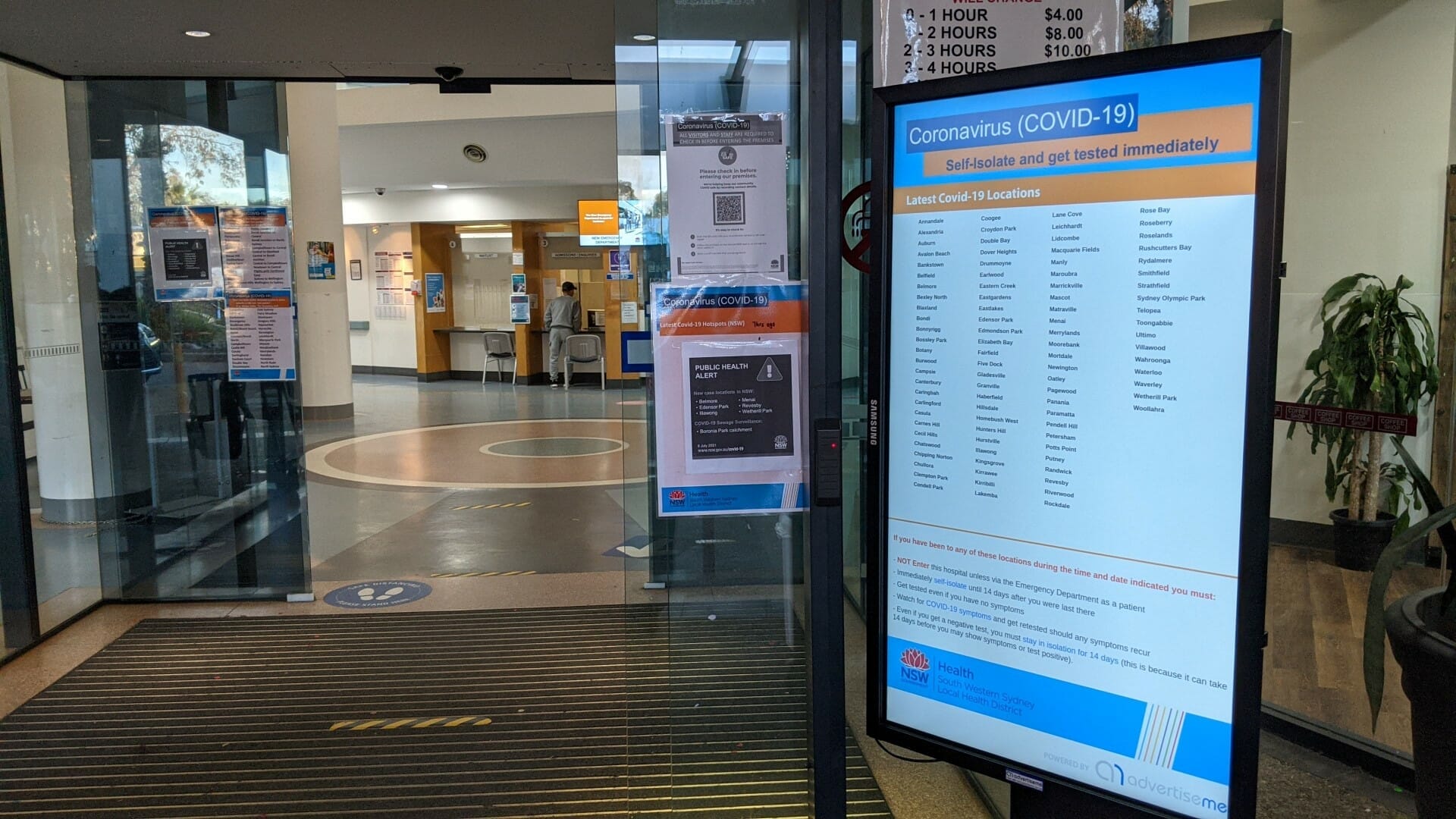
HOSPITAL PORTABLE STANDS FOR BANKSTOWN HOSPITAL
About this digital signage project We used our Digital [...]
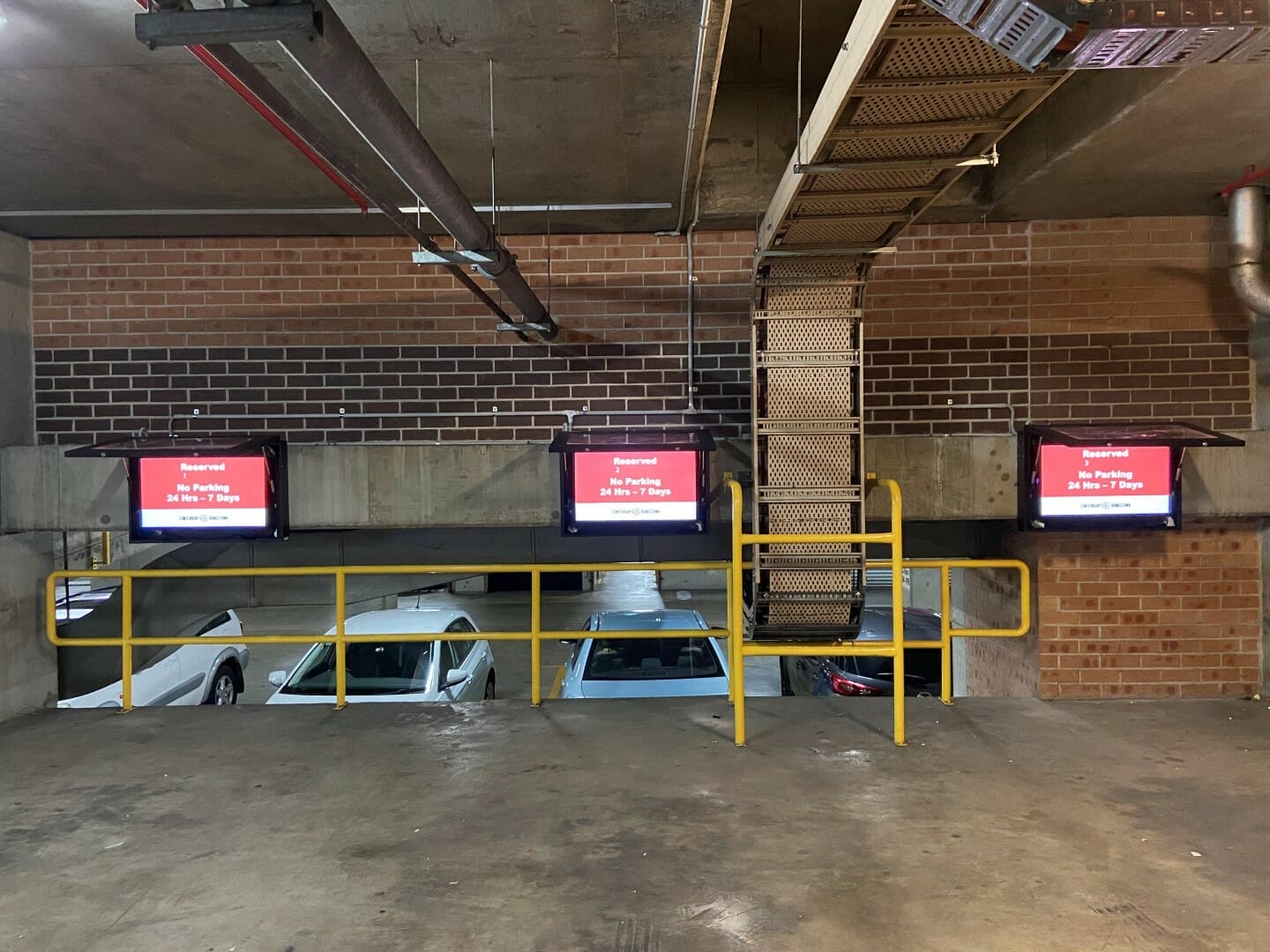
CAR PARK SYSTEM FOR COUNCIL
About this digital signage project We used our [...]
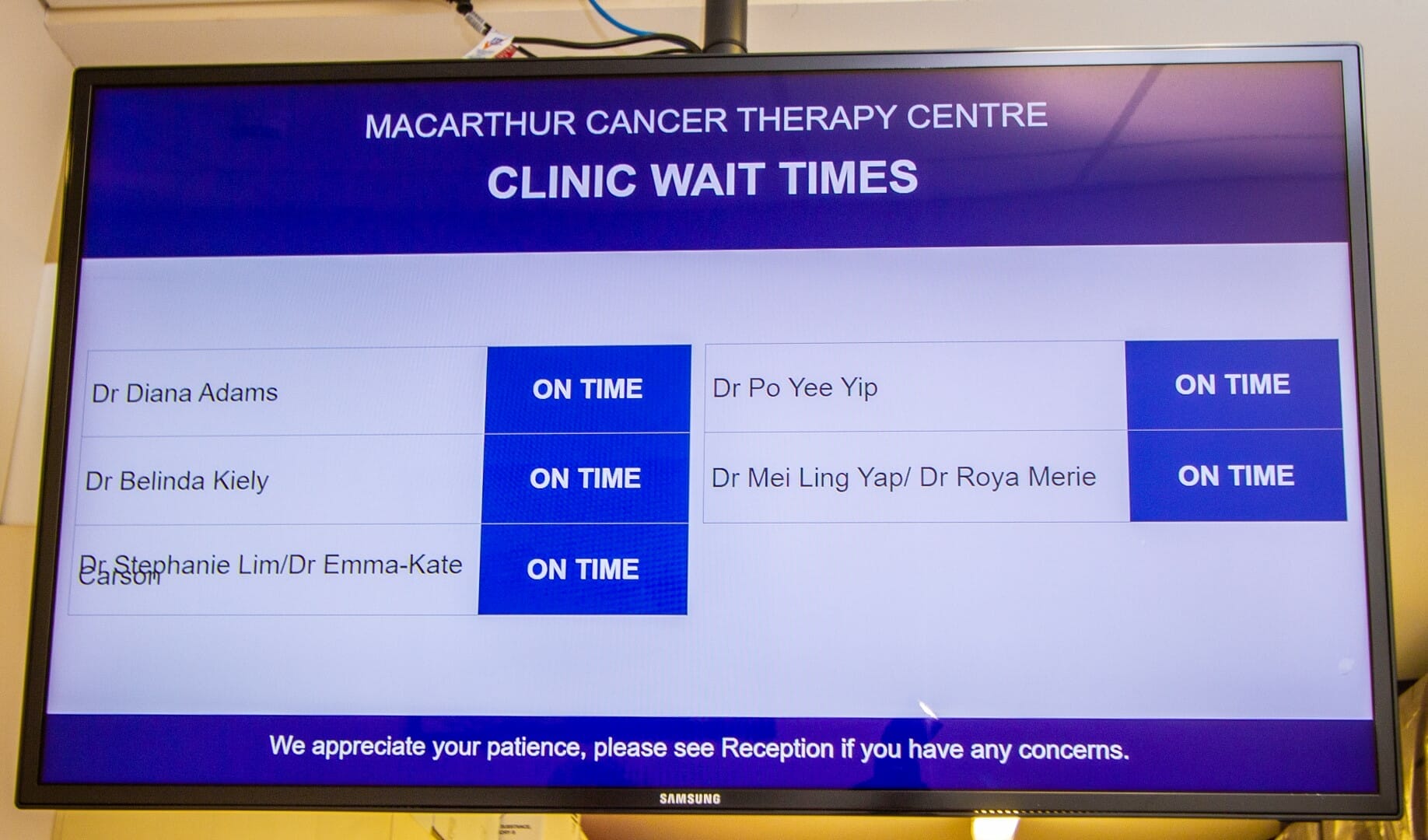
CLINIC WAIT TIMES FOR CANCER THERAPY CENTRE
About this digital signage project We used our [...]