


The best wedding photos do not all come from one camera. A shared album lets friends and family add their view of the day, and a live slideshow gives those moments a place at the reception.

Make the screen part of the celebration
Start the display with a curated set of engagement photos, family memories and venue details. As the day progresses, add approved ceremony and reception images. The screen becomes a visual thread through the celebration without requiring someone to edit and export a new video.
The wedding artwork and interface screenshot above are both from the Slideshow Photos Album website. They show the kind of reception screen the tool is designed to create.
Collect guests’ photos thoughtfully
Create the Google Photos album ahead of time and share its contribution instructions with people you trust. Put a simple QR code to the album at the photo booth or on a table card if that suits the event. Keep a host or coordinator responsible for reviewing what appears.
Ask guests to avoid uploading blurry bursts and photos of people who prefer not to be shown publicly. A smaller, well chosen sequence usually feels more personal than an unfiltered flood of images.
Preview on the real reception display
Paste the shared album link into the tool’s Wizard and choose a style that suits the room. Test on the venue television or projector before guests arrive. Check text contrast, image crops and the network connection at the exact display location.
If you want the slideshow running through dinner, use a pace that gives people time to enjoy each photo. For speeches or formal moments, pause or switch the screen to another scene.
Use a digital signage playlist for timing
For a venue already using Advertise Me TV digital signage software, add the slideshow’s display URL as a web page item on a compatible player. Schedule it for arrivals, dinner and the dance floor, and use other playlist items for the seating plan or welcome message.
The album controls the moments; the signage schedule controls the show. This is especially useful when the venue runs several displays with different purposes.
Our latest digital signage software projects
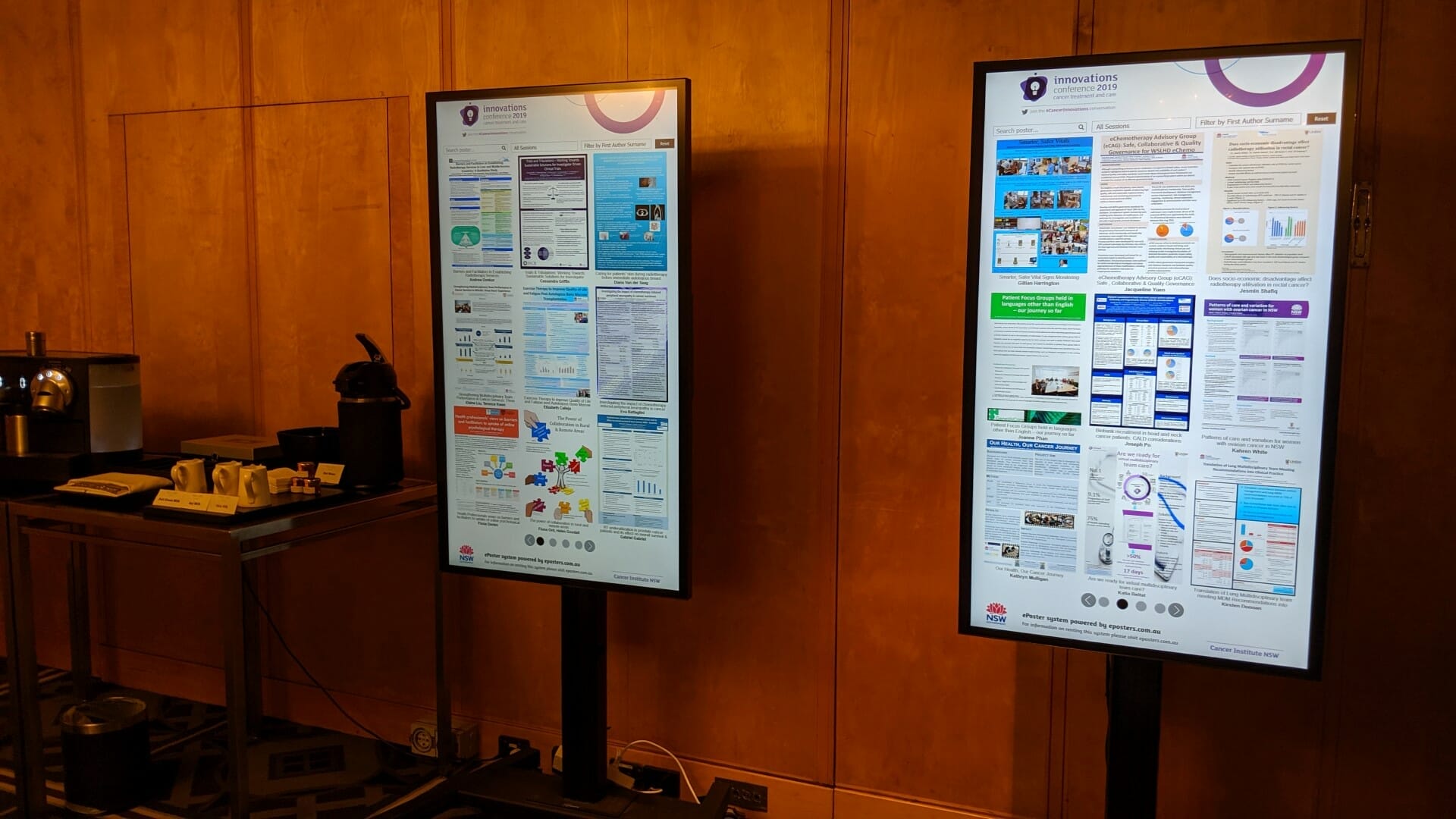
CANCER INSTITUTE NSW INNOVATIONS CONFERENCE
About this digital signage project We used our [...]
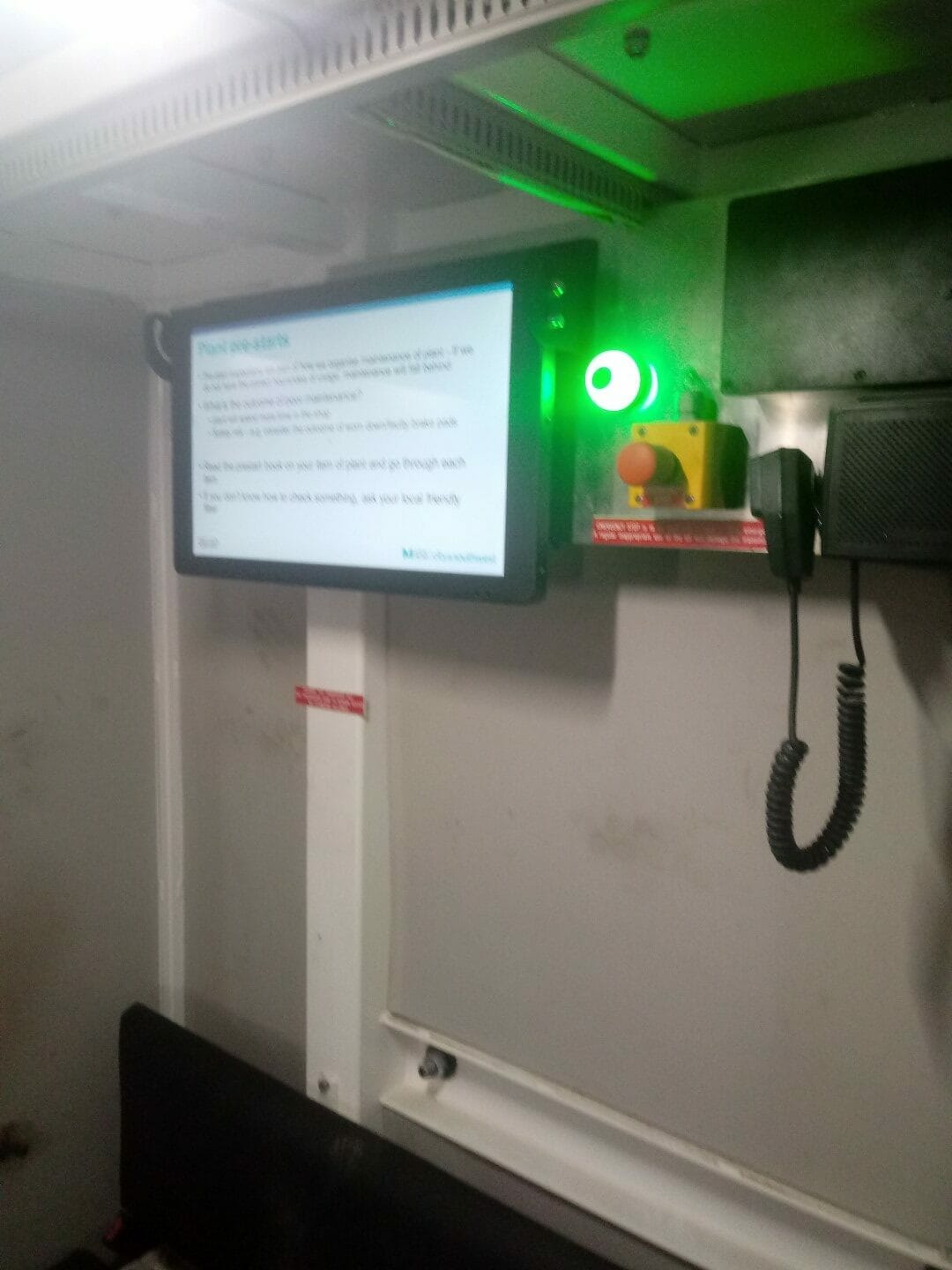
SYDNEY BUS METRO
About this digital signage project We used our [...]
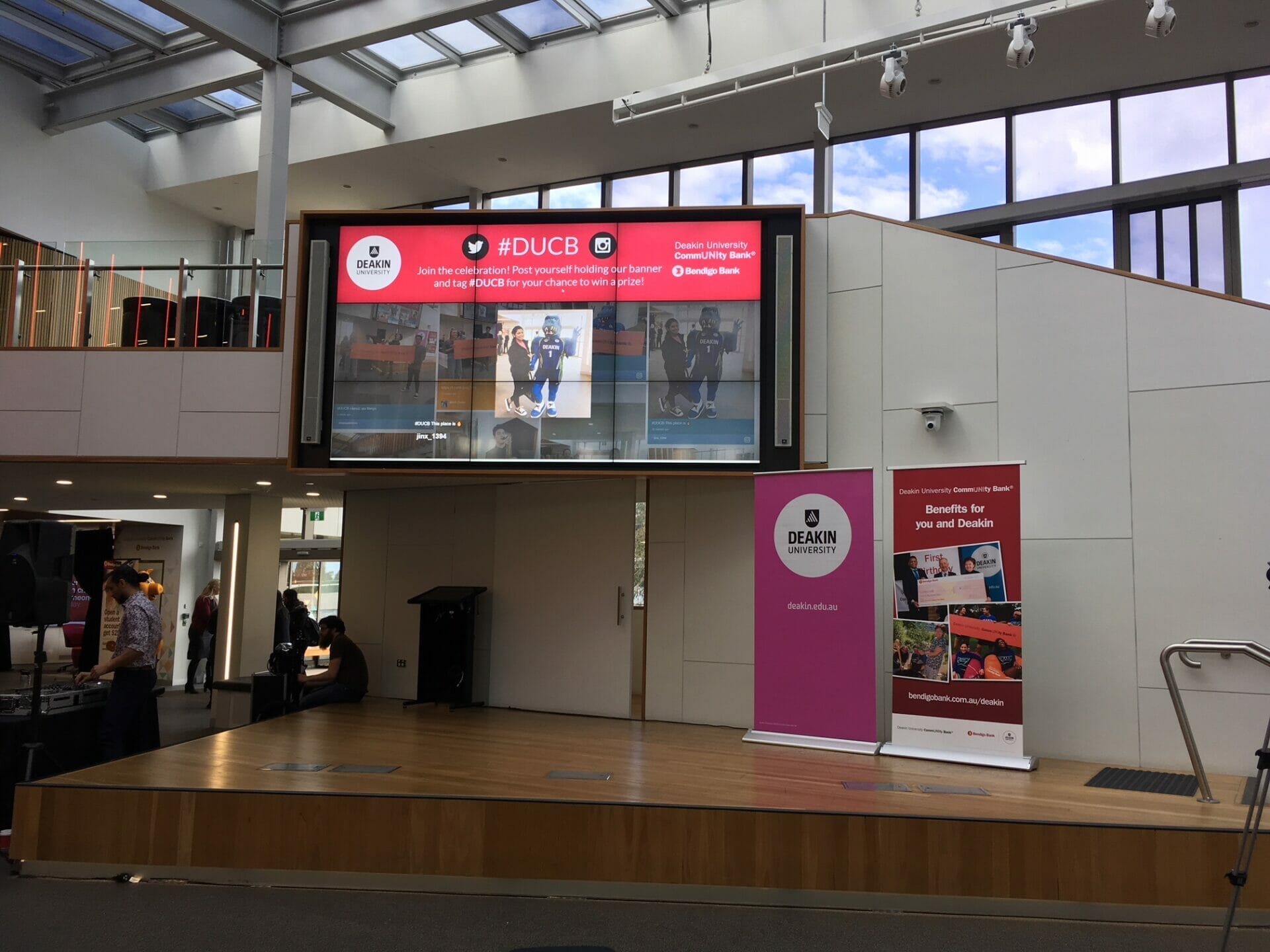
DEAKING UNIVERSITY EVENT SOCIAL WALL
About this digital signage project We used our [...]
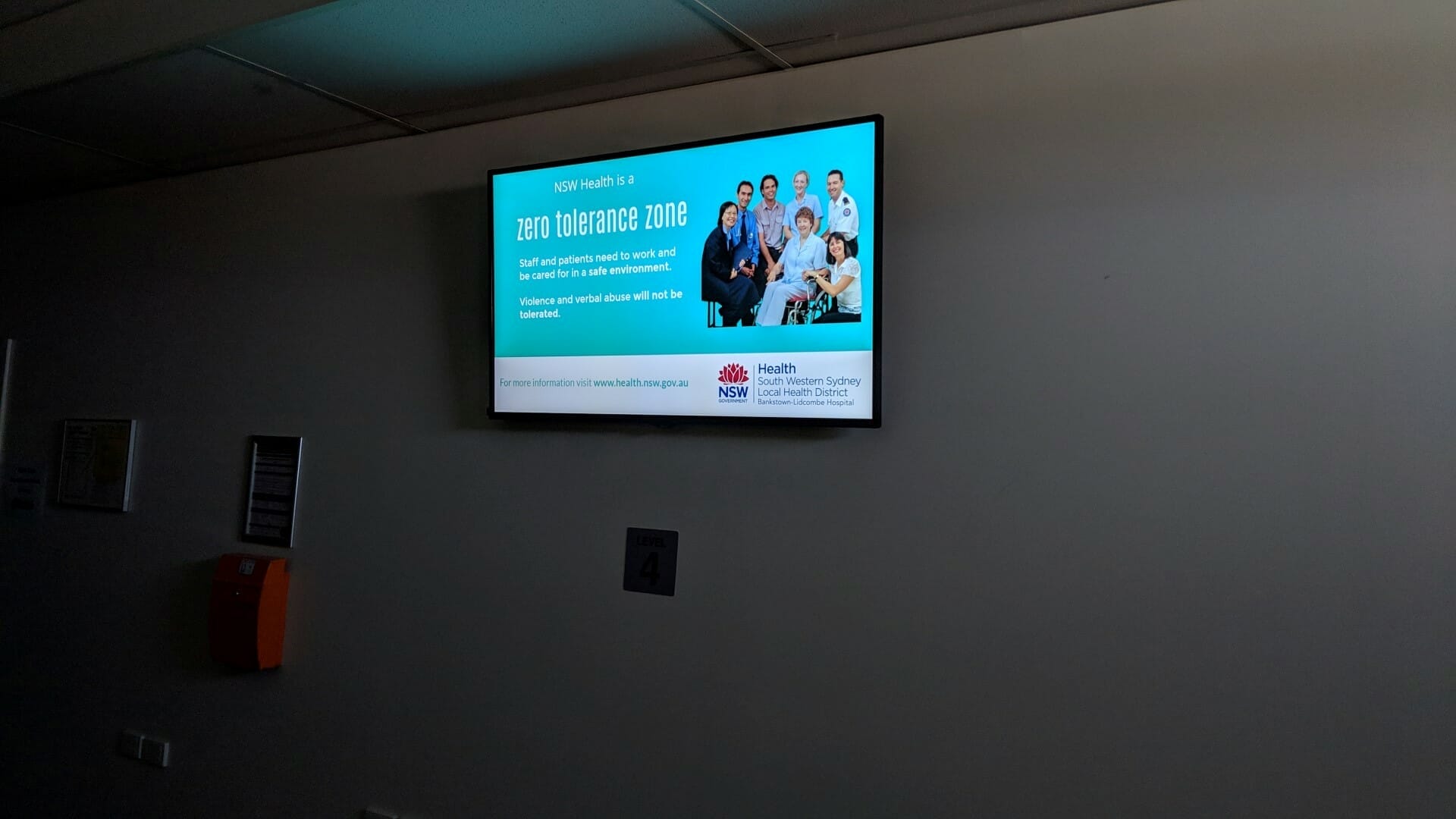
HOSPITAL DIGITAL SIGNAGE FOR BANKSTOWN HOSPITAL
About this digital signage project We used our [...]

UNSW HEALTH BEYOND RESEARCH & INNOVATION SHOWCASE
About this digital signage project We used our [...]
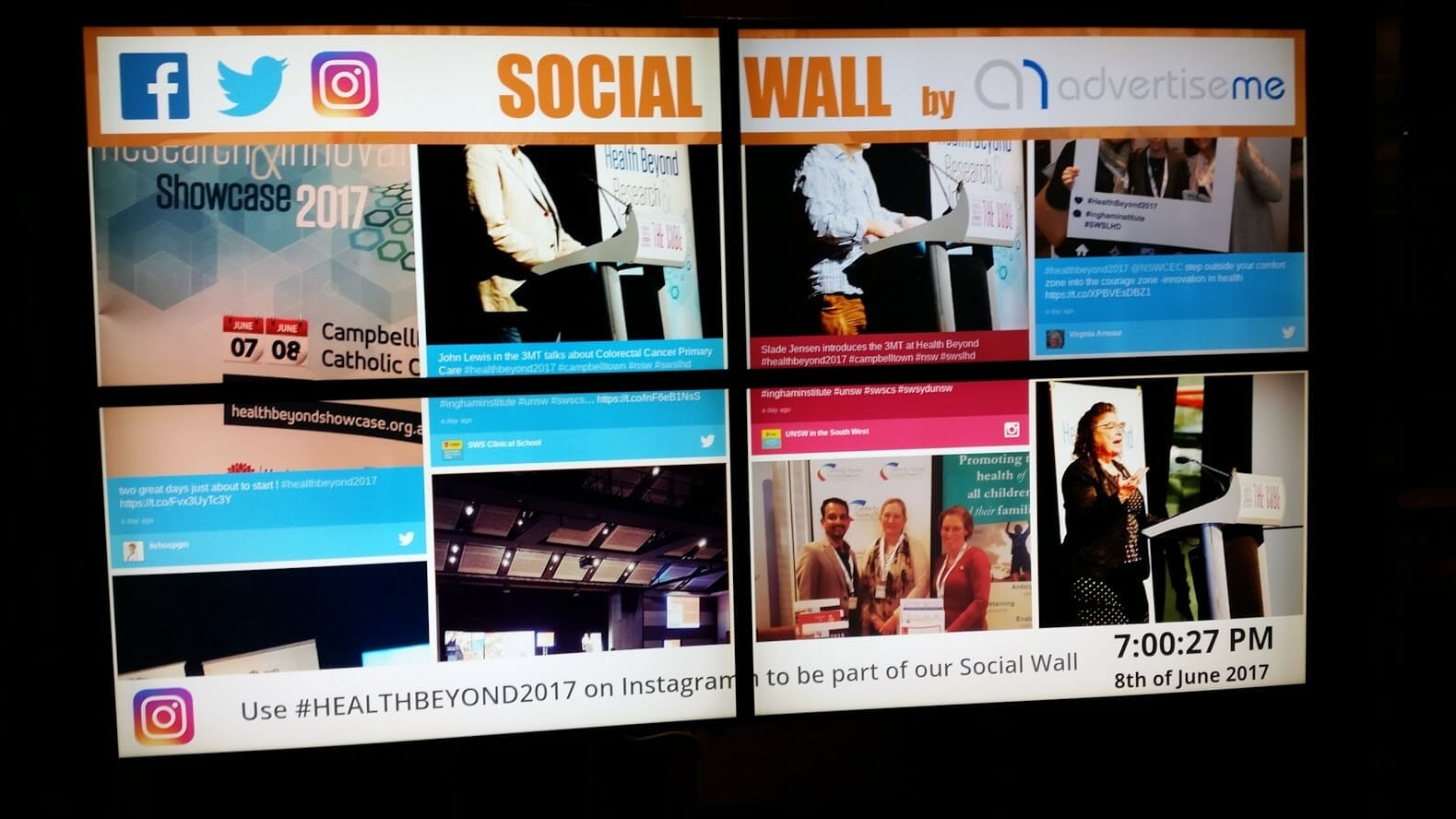
INGHAM INSTITUTE HEALTH AND BEYOND
About this digital signage project We used our [...]
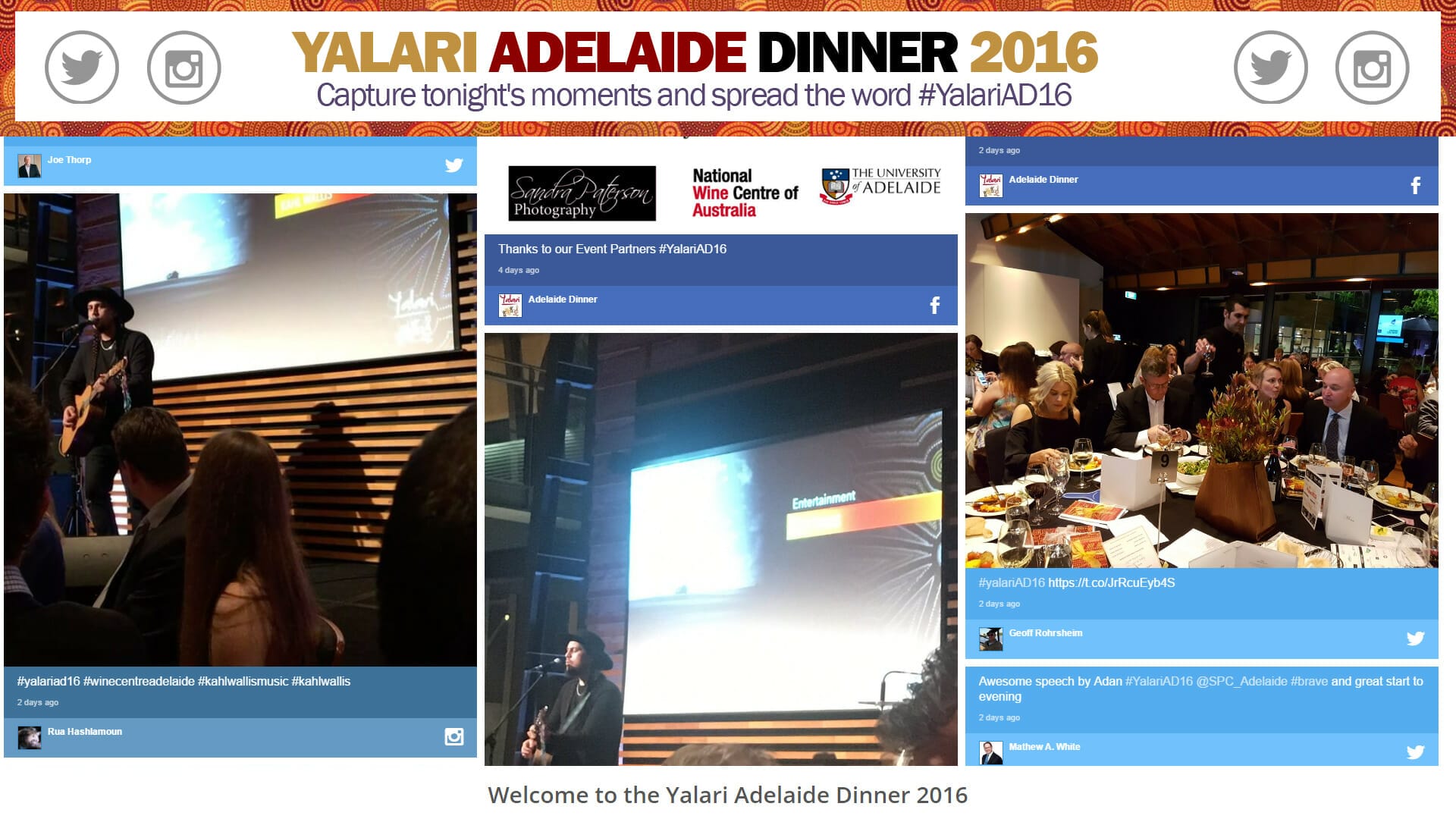
YALARI DINNER EVENT DIGITAL SIGNAGE
About this digital signage project We used our [...]