
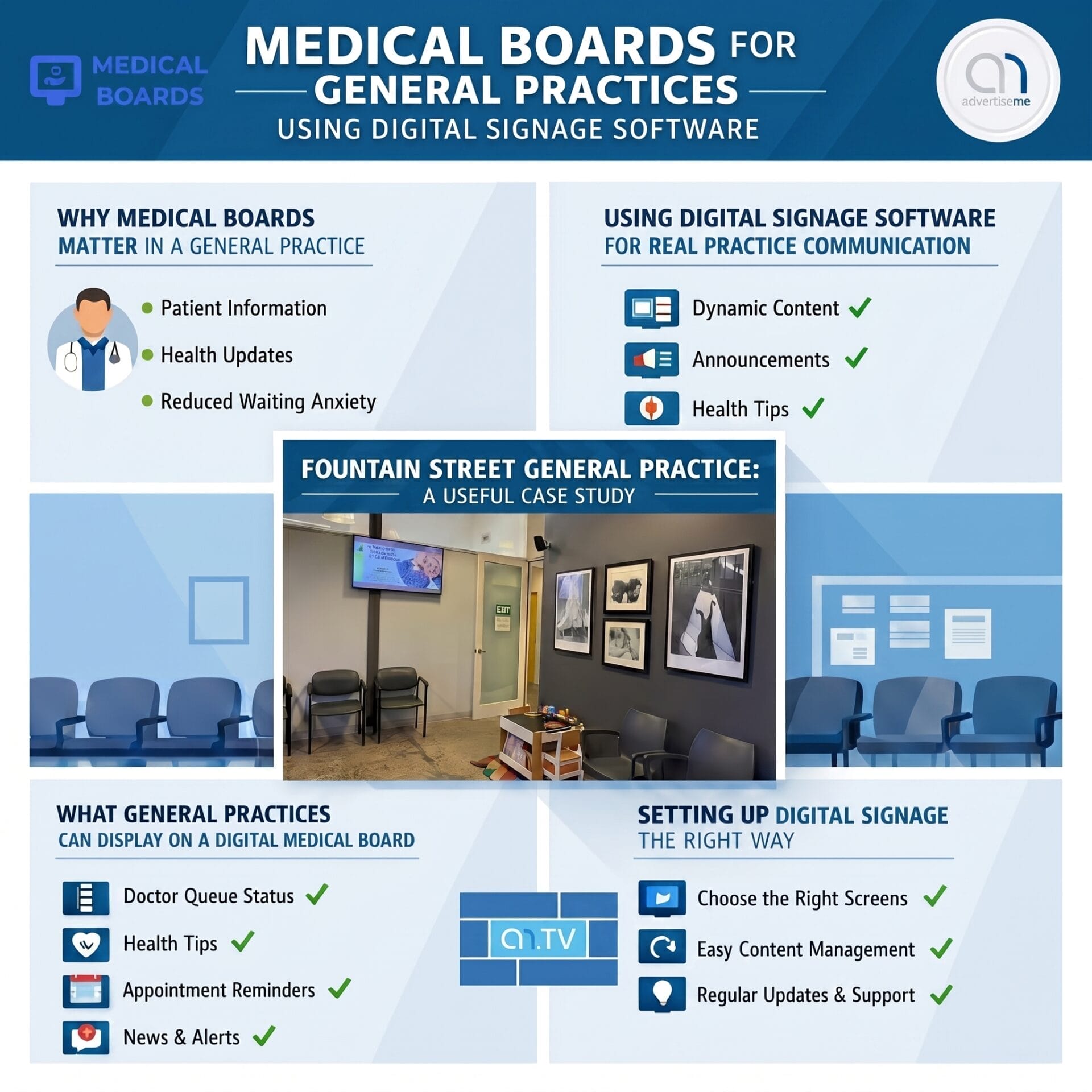
Medical practices are busy environments where communication needs to be clear, timely and easy for patients to understand. From the moment someone walks into a clinic, they are looking for reassurance, direction and useful information, especially when they may already be feeling unwell, anxious or unsure about their appointment. This is where medical boards powered by digital signage software can make a real difference, because instead of relying only on printed posters, noticeboards and reception staff to share updates, a general practice can display important messages on professional screens that are simple to manage and easy to update.
For general practices, digital signage is not just about putting a television in the waiting room. When it is set up properly with the right software, it becomes a practical communication system that supports patients, reception teams, doctors, nurses and practice managers. A digital medical board can display appointment reminders, health awareness messages, practice announcements, billing information, doctor availability, service promotions, seasonal vaccination updates and even emergency notices. For a clinic that wants to look more modern while also improving the patient experience, digital signage software gives the practice a flexible way to keep information current without constantly printing new materials.
WHY MEDICAL BOARDS MATTER IN A GENERAL PRACTICE
A general practice has to communicate many different types of information every day, and a traditional noticeboard can quickly become cluttered, outdated or ignored. Patients may miss important messages if they are pinned among too many paper notices, and staff may not always have time to verbally explain every update to every person who enters the clinic. A digital medical board helps solve this by giving the practice a central communication point that can be refreshed as often as needed, making the waiting room more organised and reducing the amount of repetitive questions directed at the reception desk.
One of the biggest benefits of using digital signage software in a medical environment is control. Practice managers can schedule content ahead of time, update screens remotely, and make sure the right message appears at the right moment. For example, a clinic can promote flu vaccination bookings during winter, skin checks during warmer months, mental health care plans at relevant times of the year, and reminder messages about Medicare cards, masks, appointment delays or new patient forms whenever needed. This turns the waiting room screen into a useful operational tool rather than a passive display.
Digital signage also improves the professional presentation of the clinic. Patients often notice when a medical centre feels organised, clean and up to date, and a well designed screen can support that impression. A medical board can use calm colours, clear text, simple icons and readable layouts to deliver information in a way that feels helpful rather than overwhelming. This is especially important in health care because patients may include older people, people with limited English, parents with children, or people who are distracted by pain or stress, so the content needs to be visually clear and easy to absorb at a glance.
USING DIGITAL SIGNAGE SOFTWARE FOR REAL PRACTICE COMMUNICATION
The value of digital signage software becomes clear when a general practice needs to manage changing information. Printed posters are still useful in some situations, but they take time to design, print, approve, place and remove. If a message changes, the entire process often has to be repeated. With digital signage, a practice can log into the software, change the wording, update the image, adjust the schedule and publish the message to the screen almost immediately. This is particularly useful for medical clinics where messages can change quickly due to doctor availability, public health advice, appointment delays or new services.
For a clinic team, the goal should be to create a simple content system that supports the everyday workflow. A waiting room screen could rotate through a set of short messages, such as reminding patients to inform reception if their details have changed, explaining how to book a follow up appointment, advising patients about longer consultations, promoting allied health services, and sharing preventative health education. Instead of relying on one static board, the digital medical board can cycle through a structured playlist that keeps the screen fresh while staying relevant to the patient journey.
Good medical board content should be practical, not noisy. The best screens usually avoid overcrowding the display with too much text, because patients only have a few seconds to take in each message. A simple layout with one key message, a supporting image and a clear call to action usually works better than a screen full of paragraphs. For example, instead of displaying every detail about a vaccination program, the screen can say that flu vaccines are now available and advise patients to speak with reception or book online. The digital signage software can then schedule that message to appear more frequently during peak vaccination periods.
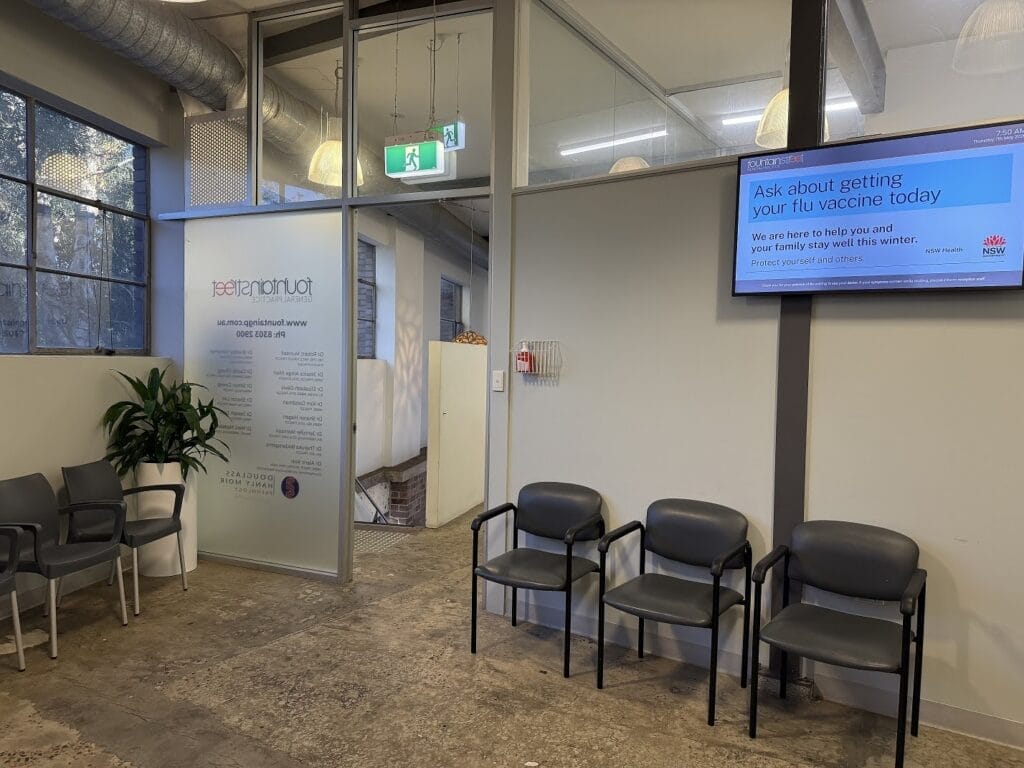
FOUNTAIN STREET GENERAL PRACTICE AS A USEFUL CASE STUDY
The Fountain Street General Practice medical board case study from Advertise Me is a good example of how digital signage can be applied in a real general practice environment. Rather than treating the screen as an entertainment device, the project demonstrates how a medical centre can use a digital board to present useful information in a structured and professional way. The focus is on giving the practice an effective platform for patient communication, where messages can be displayed clearly in the waiting area and updated through software as the needs of the clinic change.
In a general practice like Fountain Street, the waiting room is an important communication space because almost every patient passes through it. That makes it a valuable location for a medical board, especially when the screen is positioned where patients naturally look while waiting for their appointment. The board can be used to communicate essential practice information, highlight services, support health education and create a more modern patient experience. For practices that want to reduce the amount of paper notices on walls and keep information better organised, this type of installation can create a noticeable improvement in presentation.
A strong lesson from the Fountain Street General Practice example is that digital signage works best when the content is aligned with the practice itself. The screen should not feel generic or disconnected from the clinic. It should reflect the services offered, the tone of the practice, the needs of local patients and the type of information that reception staff regularly need to repeat. When the digital board becomes part of the clinic communication process, it can support staff by answering common questions, reminding patients about processes and drawing attention to services that patients may not realise are available.
The case study also highlights the benefit of having a software driven system. Once the hardware and screen are in place, the ongoing value comes from being able to manage content easily. A medical practice may need to add a notice about public holidays, update opening hours, promote a new doctor, explain billing changes or remind patients about telehealth options. With digital signage software, these updates can be handled without redesigning the entire waiting room or replacing printed materials every time something changes.
WHAT GENERAL PRACTICES CAN DISPLAY ON A DIGITAL MEDICAL BOARD
A digital medical board can be used for a wide range of patient communication, but the most effective approach is to keep the content practical and relevant. A general practice should think about the questions patients commonly ask, the services patients should know about, and the messages that need to be repeated regularly. From there, the practice can build a content playlist that runs throughout the day and changes according to the season, clinic priorities and operational needs.
- Appointment reminders, including requests to check personal details, update Medicare information or advise reception about arrival.
- Health awareness campaigns, including flu vaccination, skin checks, diabetes checks, heart health, bowel screening and mental health care plans.
- Practice information, including opening hours, after hours care options, billing policies, cancellation rules and public holiday notices.
- Service promotion, including pathology, immunisations, chronic disease management, travel medicine, women’s health, men’s health and allied health services.
- Patient education, including reminders about hand hygiene, medication safety, preventative checks and when to book longer consultations.
- Operational updates, including wait time notices, doctor availability, new practitioner announcements and important clinic changes.
When these messages are presented well, the screen can help patients make better decisions about their health and encourage them to ask about services that may be relevant to them. For example, someone waiting for a standard appointment may see a reminder about skin checks and decide to book one for a later date. Another patient may see information about chronic disease management and ask reception whether they are eligible for a care plan. This makes the digital medical board not only informative but also useful for improving patient engagement.
SETTING UP DIGITAL SIGNAGE THE RIGHT WAY
For a general practice considering digital signage, the setup should begin with purpose rather than equipment. The practice should decide what the screen needs to achieve, whether that is reducing reception questions, promoting health services, improving the look of the waiting room, sharing public health messages or making practice announcements easier to manage. Once the purpose is clear, the screen placement, content layout and software features can be chosen to match the clinic’s workflow.
Screen location is important because patients need to be able to see the medical board without straining or turning awkwardly. In most cases, the best position is a waiting room wall that faces the main seating area, away from harsh glare and at a height that is comfortable for seated viewers. The screen should be large enough for text to be readable from across the room, and the design should use strong contrast, simple fonts and enough white space to avoid visual clutter. Since a medical practice serves a wide age range, readability should always be prioritised over decorative design.
The software should also be simple enough for the practice team to manage. A clinic does not want a system that requires technical knowledge every time a notice needs to be changed. The ideal digital signage software allows users to upload images, edit text, organise playlists, schedule messages and publish updates with minimal effort. Cloud based management can be especially helpful if content needs to be updated remotely or if a group of medical practices wants to manage multiple screens across different sites.
It is also important to consider compliance and privacy. A medical board should not display private patient information unless the clinic has a secure and appropriate system designed for that purpose. Most waiting room medical boards are best used for general information, health promotion and practice announcements rather than personal appointment details. The content should be reviewed for accuracy, and clinical information should be approved by the appropriate person within the practice before being published.
WHY ADVERTISE ME TV IS A PRACTICAL FIT FOR MEDICAL SIGNAGE
Advertise Me TV is suited to organisations that need a practical digital signage platform for communicating with people in physical spaces, and general practices are a natural fit because they have regular foot traffic, repeated information needs and a strong requirement for clear communication. A medical centre can use the platform to create a consistent and professional communication channel without relying only on printed posters or manual announcements from staff.
For practices inspired by the Fountain Street General Practice medical board case study, the next step is to think about the patient journey and identify where communication can be improved. If reception staff are constantly answering the same questions, those answers may belong on the screen. If patients are not aware of important services, those services can be added to the display rotation. If notices on the wall are becoming messy or outdated, a digital medical board can replace that clutter with a cleaner and more controlled presentation.
The strength of digital signage is that it keeps improving over time. A clinic can start with a simple playlist of core messages and then refine it based on patient feedback, staff feedback and seasonal priorities. Over a few months, the practice can learn which messages are most useful, which services need more visibility and which times of day require certain information to appear more often. This makes digital signage a flexible communication tool rather than a once only installation.
A SMARTER WAITING ROOM EXPERIENCE FOR PATIENTS AND STAFF
Medical boards using digital signage software are a practical upgrade for general practices that want to communicate more clearly, present information professionally and make better use of the waiting room environment. The Fountain Street General Practice case study shows how a clinic can use a digital board to support patient communication in a real medical setting, while also creating a cleaner and more modern visual experience. For practices that want to reduce paper clutter, keep messages current and help patients understand services more easily, a software managed medical board is a simple but valuable step forward.
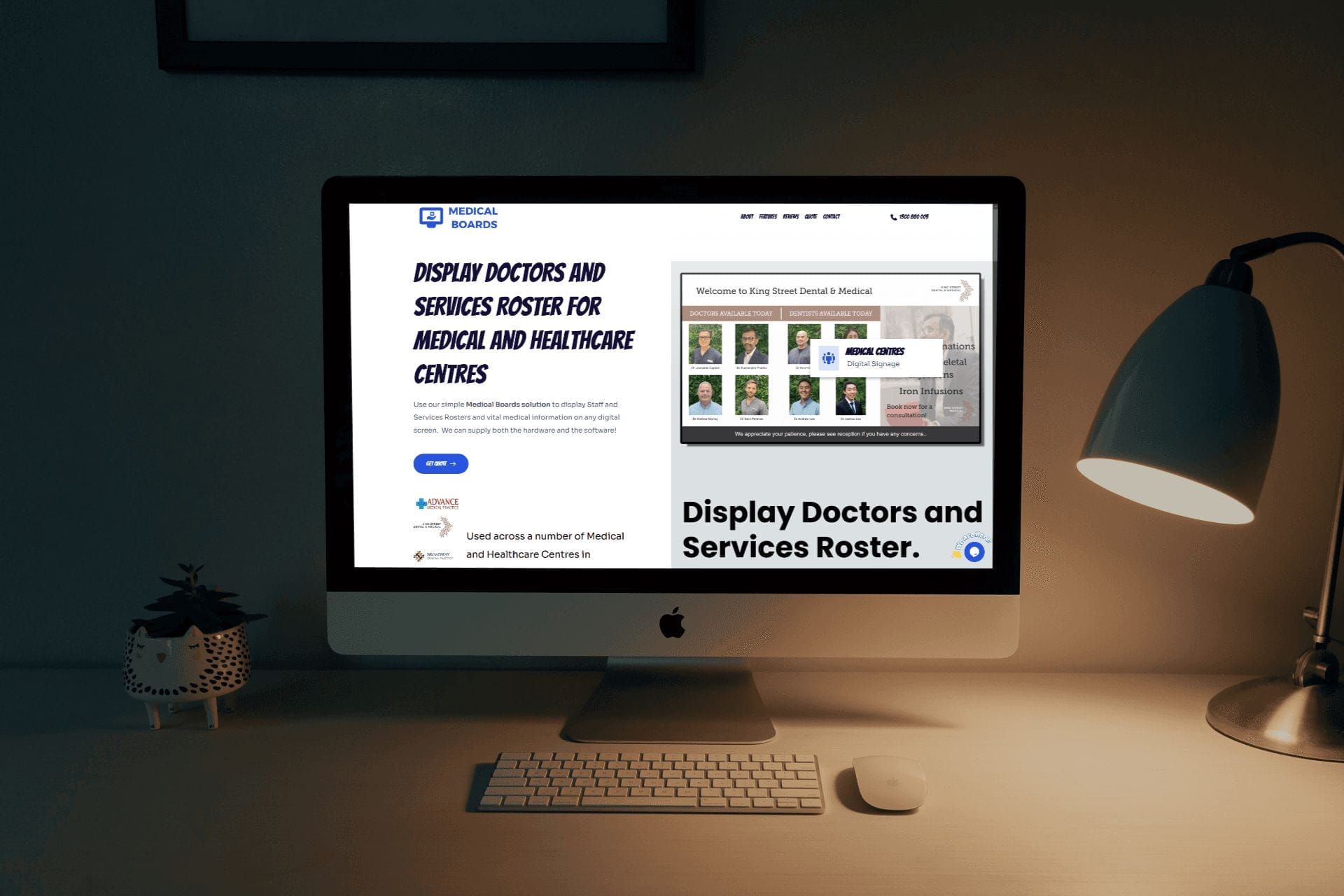
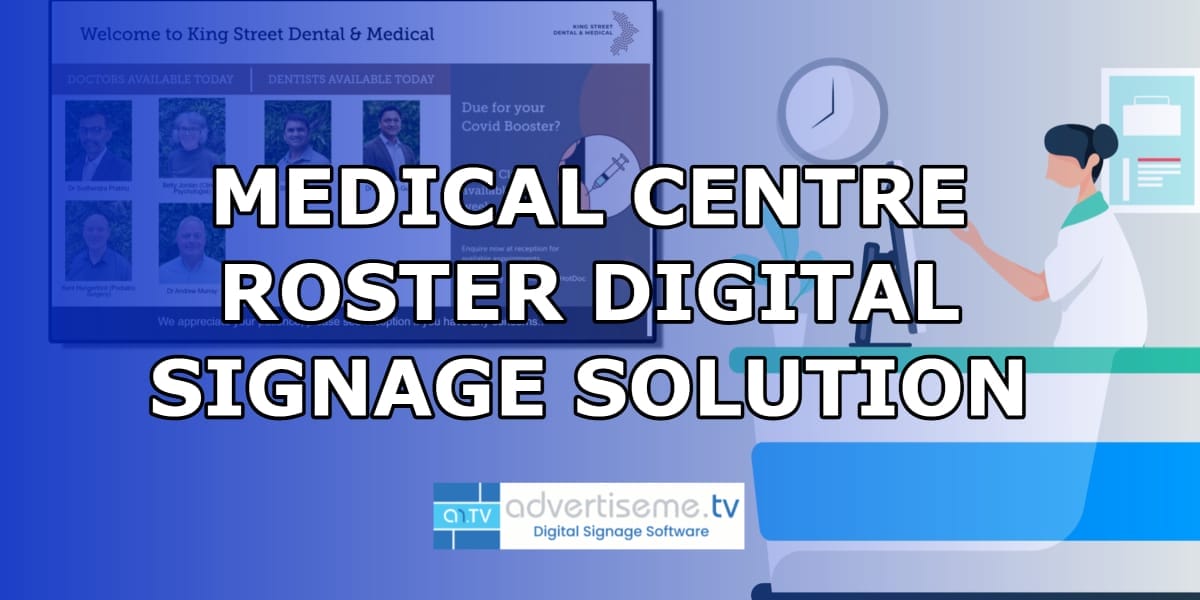
Our latest digital signage software projects
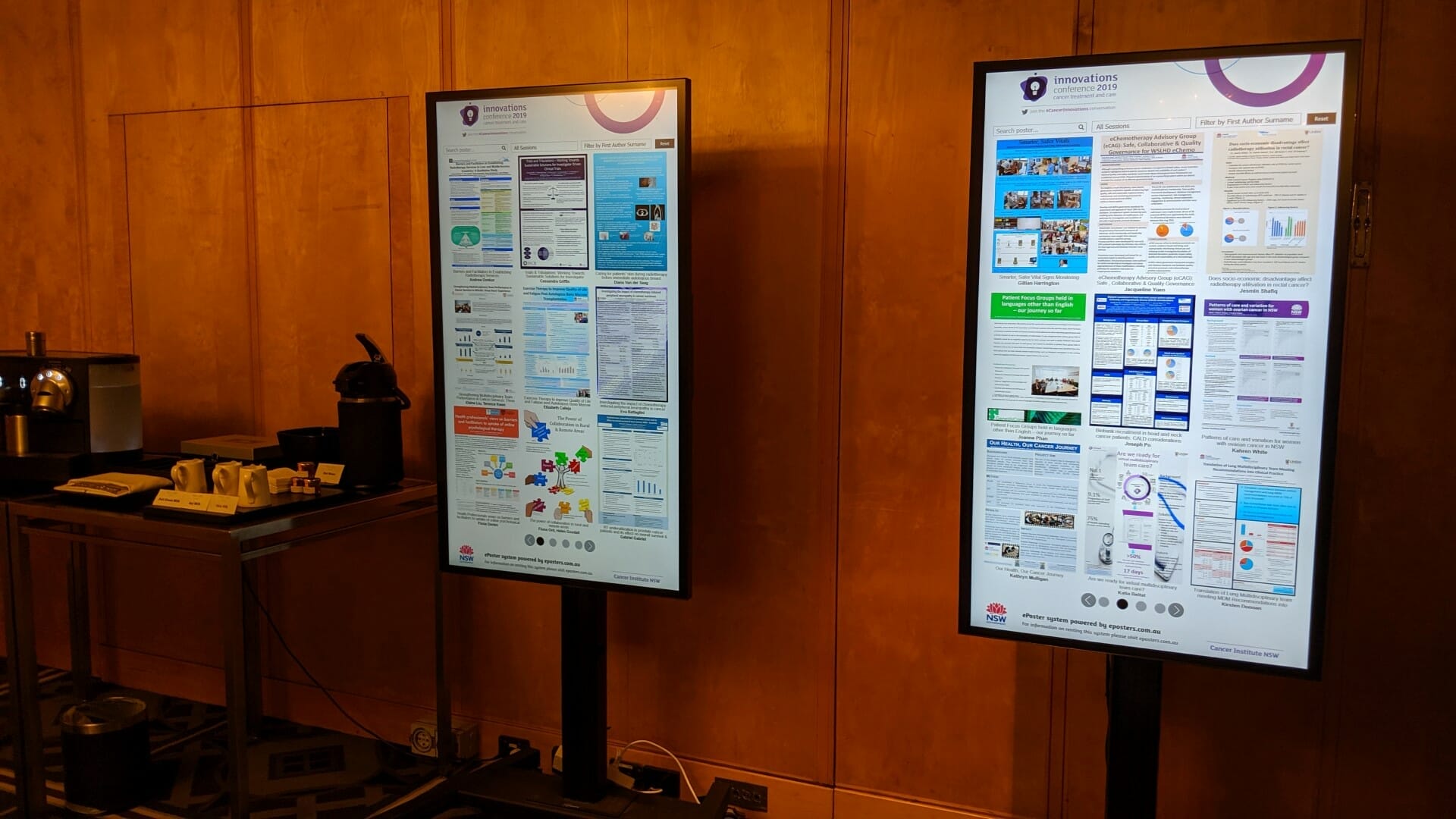
CANCER INSTITUTE NSW INNOVATIONS CONFERENCE
About this digital signage project We used our [...]
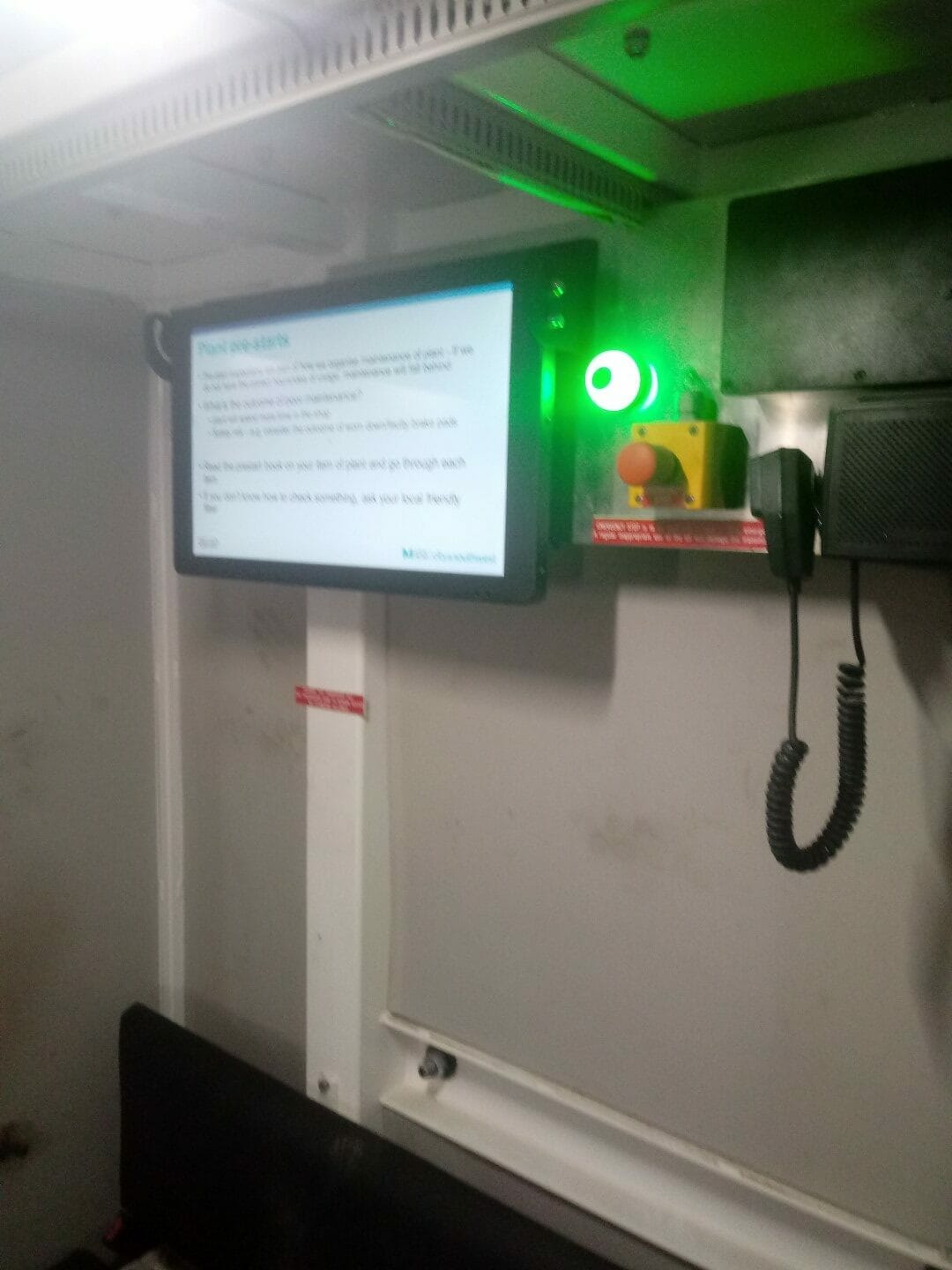
SYDNEY BUS METRO
About this digital signage project We used our [...]
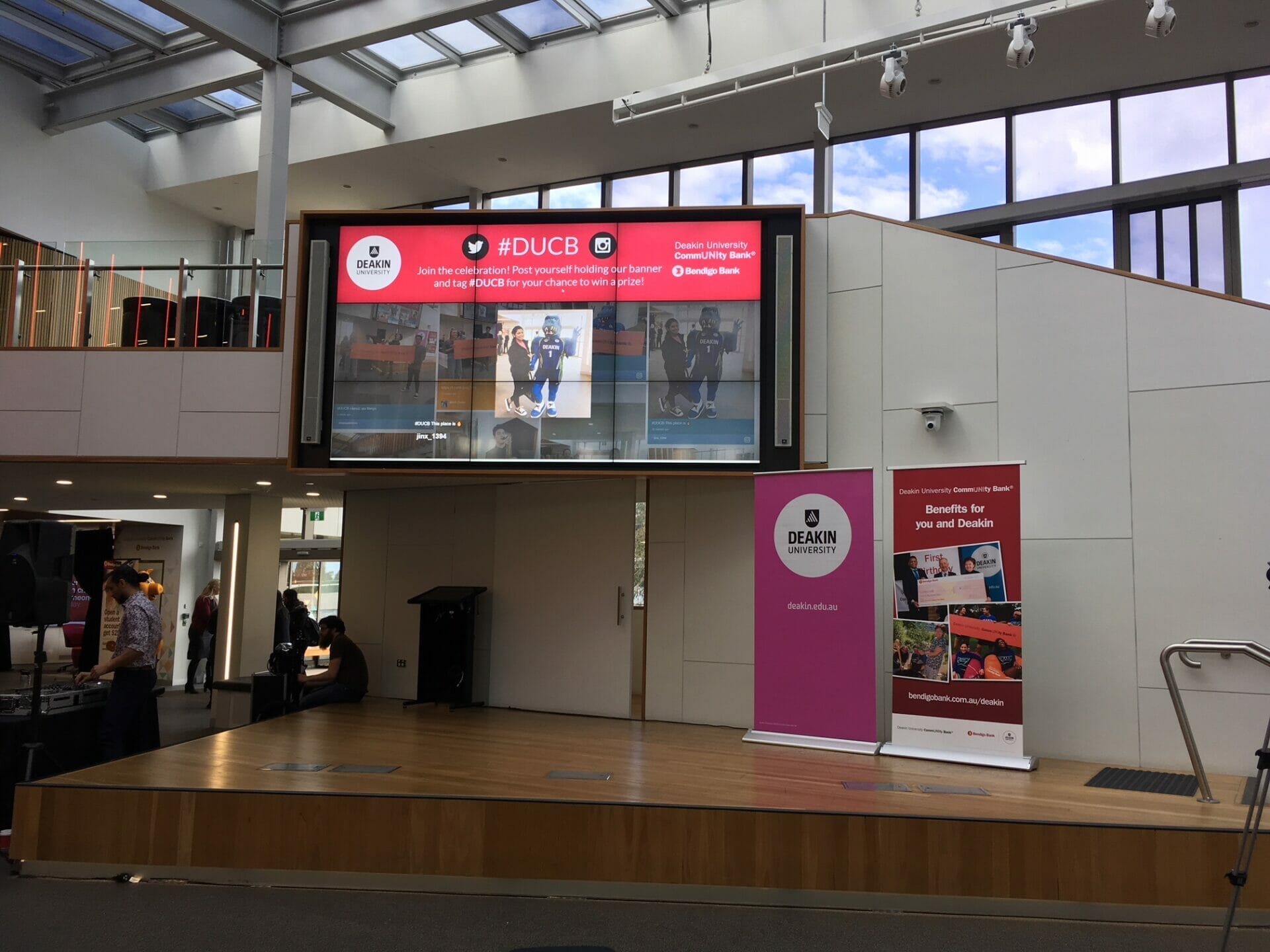
DEAKING UNIVERSITY EVENT SOCIAL WALL
About this digital signage project We used our [...]
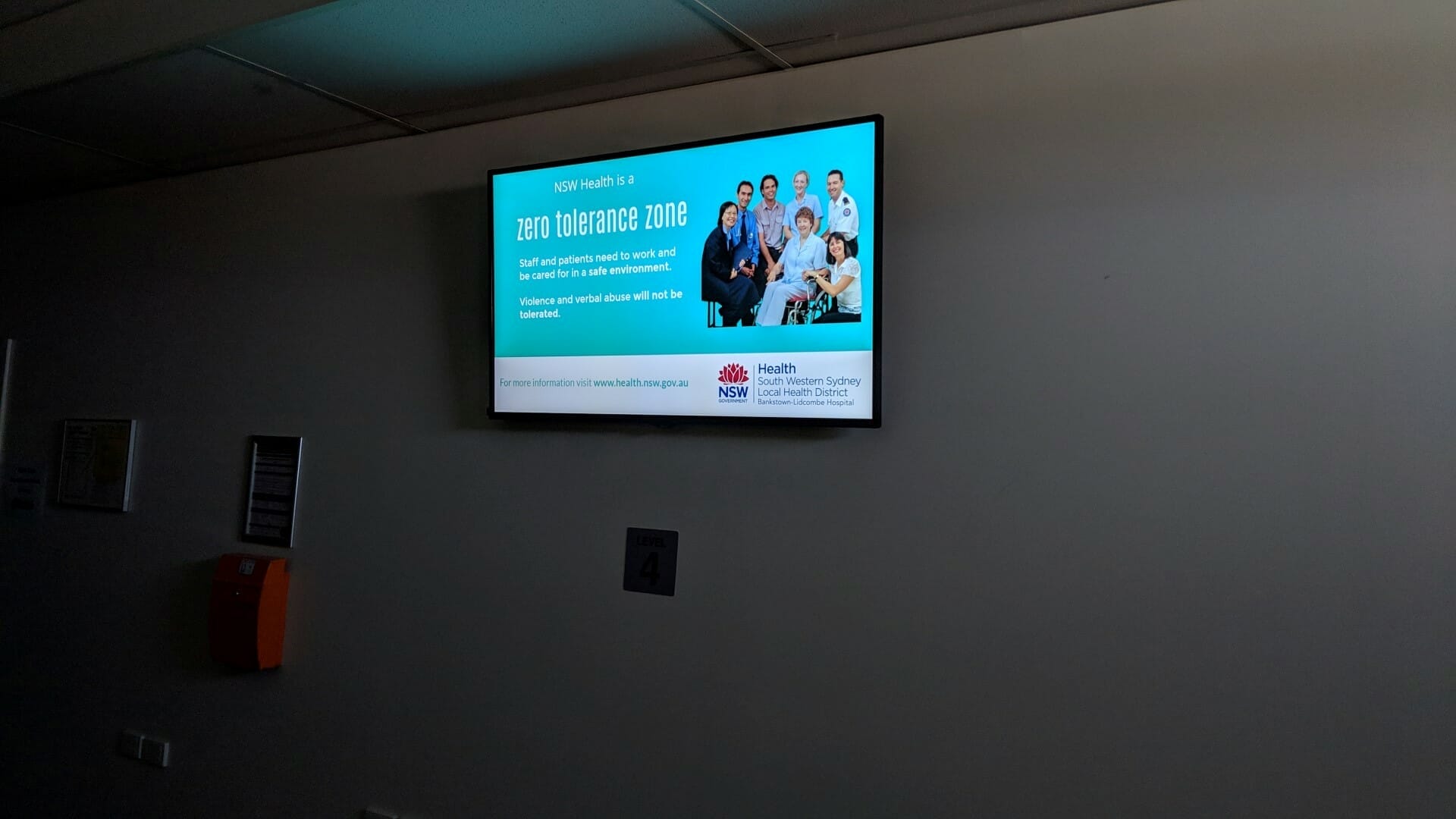
HOSPITAL DIGITAL SIGNAGE FOR BANKSTOWN HOSPITAL
About this digital signage project We used our [...]

UNSW HEALTH BEYOND RESEARCH & INNOVATION SHOWCASE
About this digital signage project We used our [...]
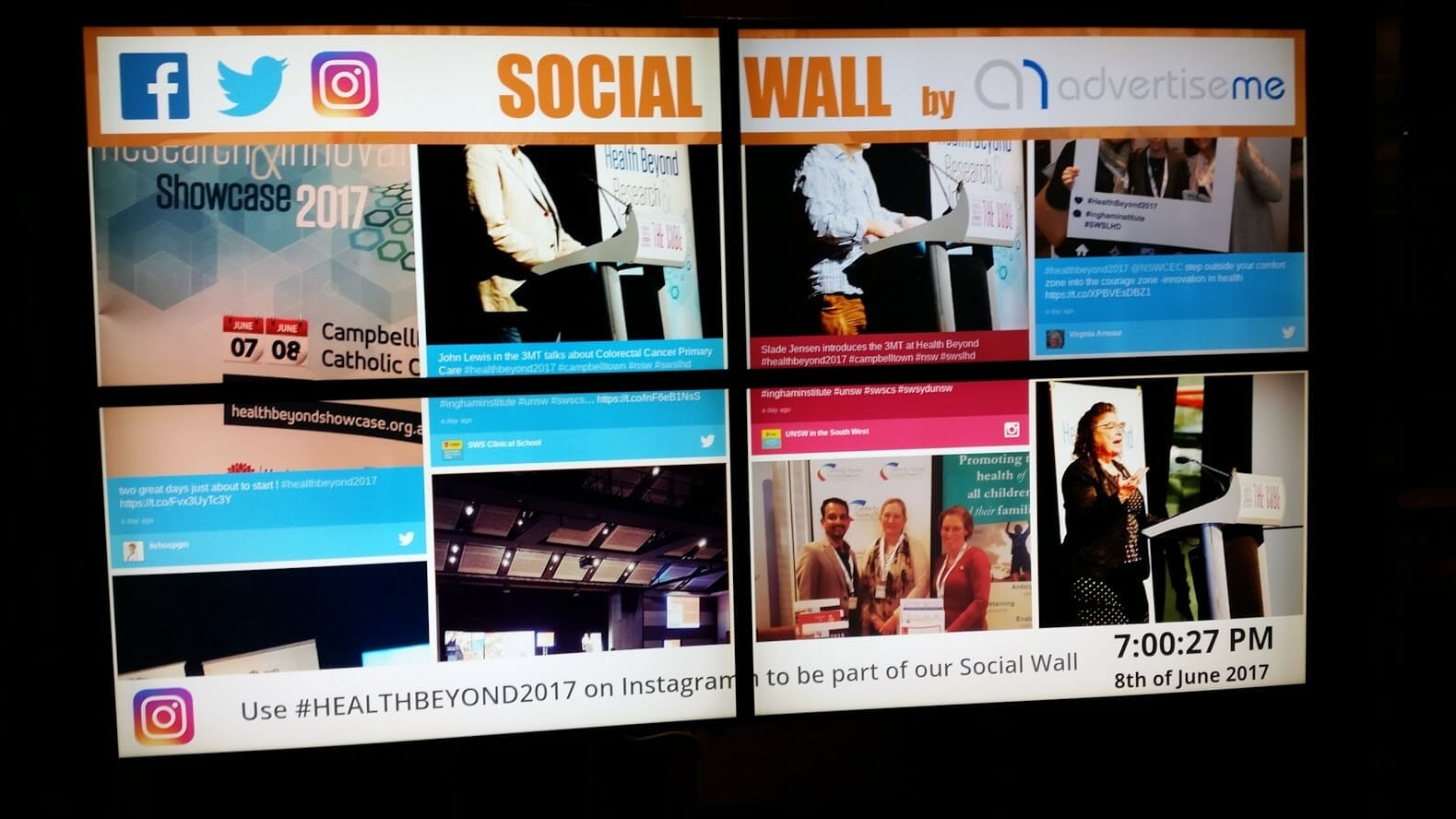
INGHAM INSTITUTE HEALTH AND BEYOND
About this digital signage project We used our [...]
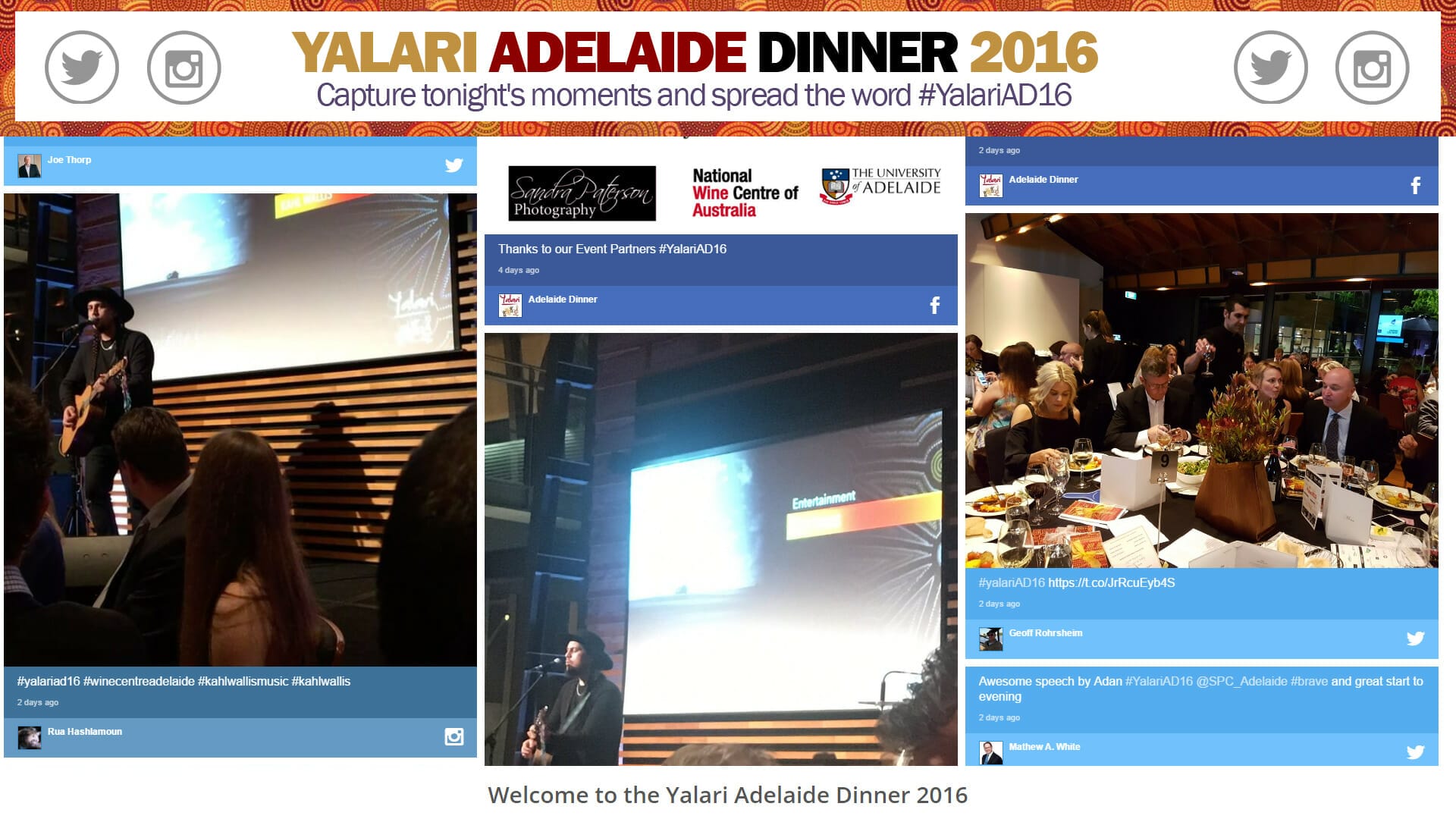
YALARI DINNER EVENT DIGITAL SIGNAGE
About this digital signage project We used our [...]