


Hospitals and medical centres are busy environments where patients, visitors, clinicians and administration teams all need clear information at the right time. A connected digital screen network can make that experience calmer, easier to navigate and more professional by combining digital signage, wayfinding, directory boards and ePosters into one practical communication solution.
For many healthcare facilities, communication still depends on printed notices, reception staff answering the same directional questions, laminated posters on walls and static tenant boards that become outdated as soon as a department changes location. These methods can work in small environments, but as medical centres grow, hospitals expand and specialist services move, printed information becomes harder to manage.
This is where digital software solutions become valuable. With the right digital signage software, a healthcare organisation can publish important content across multiple screens, update department listings, display roster information, guide visitors to clinics and promote health campaigns without needing to print new materials every week.
Advertise Me TV provides digital signage software for organisations that need reliable, flexible and easy to manage screen communication. Through the wider Advertise Me digital solutions capability, healthcare providers can also explore digital wayfinding, directory boards, ePosters, interactive displays and custom digital applications. The result is a more connected patient and visitor experience that feels modern, organised and helpful.

Why Healthcare Facilities Need A Connected Digital Communication Experience
Healthcare communication is not only about showing information. It is about reducing uncertainty. When a patient enters a hospital or medical centre, they may already be stressed, unwell, late for an appointment or visiting a loved one. Clear digital communication can help answer the questions they have before they need to ask reception.
Common questions include:
- Where is my clinic?
- Which level is radiology on?
- Has the specialist moved rooms?
- Where do I wait?
- What services are available in this building?
- Is there a change to opening hours?
- Which doctor is rostered today?
- Where are the lifts, toilets, pharmacy or pathology collection rooms?
A connected digital solution helps healthcare facilities communicate these answers in a consistent way. Instead of relying on one sign, one poster or one reception desk, information can be presented across the entire patient journey.
Key insight: In healthcare environments, digital screens are most effective when they work together. A welcome screen, directory board, wayfinding kiosk and health campaign display should feel like part of one connected communication system, not separate pieces of technology.
This connected approach is especially useful in larger medical buildings where multiple tenants, specialists, allied health services and clinics operate from one location. It also supports hospitals where departments, wards and services may be spread across different entrances, levels and buildings.
For staff, digital software solutions reduce repetitive manual work. Content can be updated from a central system rather than manually replacing printed signs. Screens can be grouped by location, department or purpose. Health promotion material can be scheduled in advance. Directory listings can be adjusted when a clinic changes room. Roster information can be displayed on medical boards where relevant.
For patients and visitors, the benefit is a smoother experience. They see up to date information, follow clearer directions and feel more confident moving through the facility.
Comparing The Main Digital Software Solutions For Hospitals And Medical Centres
Digital signage, wayfinding, directory boards and ePosters each solve a different communication challenge. They can be used individually, but they are most powerful when designed as part of a complete digital communication strategy.
The comparison below shows how each solution supports healthcare environments, where it works best and what to consider before implementation.
The best choice depends on the environment. A small specialist clinic may only need digital signage for reception messages and patient education. A large medical centre with multiple tenants may benefit most from directory boards and floor level displays. A hospital campus may need an integrated mix of wayfinding kiosks, welcome screens, department displays and ePosters.
The key is not to install screens for the sake of installing screens. Each display should have a purpose. It should answer a real question, support a real process or improve a real experience.
Digital signage for everyday healthcare communication
Digital signage software gives medical centres and hospitals the ability to manage screen content from a central platform. This may include text, images, videos, web pages, notices, playlists, schedules and content folders.
Advertise Me TV is designed to help organisations publish content across screens without making the process complicated. This is important in healthcare, where administration staff, practice managers, communications teams and facility teams may all need a simple way to manage information.
Digital signage can be used in:
- Hospital reception areas
- Medical centre waiting rooms
- Specialist clinic entrances
- Staff rooms and administration areas
- Lift lobbies and corridors
- Pharmacy and pathology waiting areas
- Emergency department information zones
- Community health centres
Typical content includes appointment reminders, welcome messages, health alerts, patient education videos, doctor rosters, service promotions, opening hours, queue instructions, visiting guidelines and internal notices.
One practical benefit of digital signage is content scheduling. For example, a medical centre can display flu vaccination messaging during winter, skin check reminders during summer and general wellness information throughout the year. A hospital can promote hand hygiene, visitor rules, volunteer services or upcoming community information sessions.
Digital signage also helps maintain a clean and professional environment. Instead of cluttering walls with multiple printed posters, information can be rotated through a screen playlist. This gives the facility a more modern presentation while making it easier to keep messaging current.
Digital wayfinding for easier navigation
Wayfinding is one of the most important areas of healthcare communication. A visitor may understand that they need to go to radiology, cardiology or outpatient services, but they may not know which entrance, level, lift or corridor to use.
Digital wayfinding helps by presenting directions in a clear, interactive or screen based format. It can show a searchable list of departments, routes to clinics, maps of levels, landmark based directions and accessible pathway options.
The wider Advertise Me portfolio includes digital wayfinding experience across real world environments, including hospital settings. This type of work demonstrates how important practical design is. Healthcare wayfinding is not just about placing a map on a screen. It is about helping people make decisions quickly and confidently.
Good healthcare wayfinding should:
- Use familiar department names
- Support common search terms
- Show directions from the visitor’s current location
- Highlight lifts, stairs, toilets and reception points
- Use large readable text
- Reduce unnecessary detail on screen
- Allow updates when services move
- Support a consistent naming system across the whole facility
Digital wayfinding can be placed at main entrances, lift lobbies, hospital foyers, car park connections and major decision points. The aim is to guide people before they become lost.
Directory boards for doctors, departments and services
Directory boards are especially useful in medical centres and mixed healthcare buildings. A directory board may list doctors, specialists, allied health providers, pathology, imaging, pharmacies, dental clinics, therapy services and consulting suites.
Static directory boards can look professional when first installed, but they become difficult to maintain when tenants change, doctors move rooms or new services are added. A digital directory board allows the facility to update listings quickly while keeping the building presentation consistent.
A digital directory board can show:
- Doctor names
- Clinic names
- Specialities
- Suite numbers
- Floor levels
- Operating hours
- Contact details
- Directional arrows
- Service categories
For medical centres, this can improve the first impression for patients. Instead of asking reception where to find a specialist, visitors can check the board and continue to the correct suite.
For building managers, the main value is easier administration. A staff member can update the digital directory through an approved workflow rather than arranging new printed panels. This is useful in healthcare precincts where change is regular.
ePosters for health education and internal campaigns
Healthcare environments often need to share educational and promotional material. This may include health awareness campaigns, research posters, fundraising events, training notices, staff recognition, community programs and seasonal reminders.
ePosters bring this content into a digital format. Instead of printing and placing posters across multiple walls, the content can be uploaded, scheduled and displayed on nominated screens.
ePosters work well when the message is visual, time sensitive or campaign based. For example, a hospital may use ePosters for mental health awareness week, diabetes education, blood donation drives, infection control reminders or hospital foundation campaigns.
The key is readability. A printed poster does not always translate well to a screen if it contains too much small text. Digital poster content should use clear headings, strong contrast, short messages and simple calls to action.

Designing The Patient Journey With Digital Screens
A strong digital communication strategy starts with the patient journey. Instead of asking where screens can be placed, start by asking what people need to know at each point in their visit.
Most healthcare journeys include several stages:
- Arriving at the facility
- Finding the correct entrance or reception
- Checking the directory or appointment location
- Moving through corridors, lifts or waiting areas
- Waiting for an appointment or service
- Receiving information while on site
- Leaving the facility or finding related services
Each stage has different communication needs. A screen at the entrance should not behave the same way as a screen inside a waiting room. The entrance screen needs to welcome and direct. The waiting room screen can educate and inform. A staff area screen may display internal updates that are not relevant to patients.
Here is a practical way to plan content by location.
This location based planning helps avoid overcrowding screens with too much information. It also makes content more useful because each screen has a defined job.
Practical tip: If a patient only has three seconds to look at a screen, the most important message should still be clear. Large text, simple layouts and strong content hierarchy matter more than showing everything at once.
Healthcare facilities should also consider accessibility. Text should be large enough to read from a reasonable distance. Colour contrast should support readability. Directions should use plain language. Screens should be positioned where people naturally pause, not in places where they block movement or create congestion.
For interactive wayfinding, touch screens should be easy to reach and simple to use. Search results should be forgiving. If a visitor searches for children, paediatric, kids clinic or child health, the system should help them find the relevant service where possible.
Tradeoffs Between Static Signage And Digital Screen Solutions
Static signage still has an important place in healthcare. Permanent room signs, safety signs, compliance notices and mandatory information may need to be physically displayed. However, static signs are not always the best option for content that changes.
A useful approach is to separate permanent information from dynamic information.
The tradeoff is not simply digital versus printed. It is about matching the message to the right format. Permanent information can remain static. Changeable information should be digital where practical.
Digital screens also offer better content control. A facility can decide who can publish content, when it appears, which screens show it and when it expires. This helps reduce the problem of old posters staying on walls long after a campaign has ended.
There are also operational tradeoffs to consider. Digital solutions require screens, media players or compatible display hardware, software access, network planning and staff training. The benefit is ongoing flexibility. Once the system is in place, updates become much easier to manage.
For healthcare organisations, the strongest return often comes from reducing repeated administration, improving visitor flow and presenting a more professional communication experience.
Practical Use Cases For Hospitals And Medical Centres
Every healthcare environment is different, but many communication challenges are shared. The examples below show how digital software solutions can support different facility types.
Medical centre with multiple doctors and services
A suburban medical centre may have general practitioners, specialists, pathology collection, allied health services and visiting clinicians. Patients may arrive for different appointments throughout the day and need to find the correct reception or suite.
A suitable solution may include:
- A digital directory board in the main lobby
- A reception screen showing welcome messages and clinic updates
- Waiting room screens with patient education and health campaigns
- Doctor roster displays where appropriate
- ePosters for seasonal health reminders
This helps the centre look organised and reduces pressure on reception staff. When a doctor changes consulting room or a new service is added, the directory can be updated without new printing.
Hospital main entrance and outpatient areas
A hospital main entrance often needs to serve many visitor types at once. Patients may be heading to outpatient clinics, imaging, admissions, wards, pathology, pharmacy or specialist consulting areas.
A suitable solution may include:
- Large digital welcome screens
- Interactive wayfinding at the main entrance
- Directory displays near lifts
- Department screens in outpatient areas
- ePosters for public health messaging
- Staff communication screens in back of house areas
The goal is to reduce confusion at the busiest points. A good wayfinding system can help visitors identify the correct route before they approach reception. This supports a better visitor experience and can reduce repetitive directional enquiries.
Specialist clinic or day surgery
A specialist clinic or day surgery may not need a large network of screens, but it can still benefit from carefully placed digital communication.
A suitable solution may include:
- A reception display with patient arrival instructions
- A waiting room screen with preparation information
- ePosters for procedure education or aftercare messages
- Staff screens for schedule reminders
In this environment, the focus is reassurance. Patients need to know they are in the correct place, understand what to do next and feel informed while waiting.
Healthcare precinct or mixed medical building
Some healthcare precincts include several clinics, private practices, imaging providers, pharmacies, pathology services and support providers. These buildings often change over time as tenants move in, expand or relocate.
A suitable solution may include:
- A large digital directory board at the main entrance
- Floor level directory screens
- Digital wayfinding for major services
- Promotional signage for available services
- Building management notices
For these facilities, digital directory boards are often one of the most practical upgrades. They present the building professionally and make tenant changes easier to manage.
What To Consider Before Choosing A Healthcare Digital Screen Solution
A successful digital screen project needs more than hardware. The best outcomes come from clear planning, good content structure and ongoing support. Before choosing a solution, healthcare organisations should consider the following areas.
Content ownership
Someone needs to be responsible for keeping information current. This could be a practice manager, communications team, facility manager or approved administrator. Without ownership, even the best screen network can become outdated.
A simple content workflow might include:
- Identify the screen purpose
- Nominate the content owner
- Create approved templates
- Set review dates for recurring content
- Schedule campaign content in advance
- Remove or expire outdated content automatically where possible
Advertise Me TV software features such as content scheduling and playlist management can support this process by helping teams organise what appears and when.
Screen placement
Screen placement should be based on natural visitor behaviour. Good locations include entrances, waiting areas, lift lobbies, reception points and decision points. Poor locations include areas where people are moving too quickly, where the screen is hidden by furniture or where glare makes it hard to read.
For wayfinding, placement is critical. A wayfinding screen should be located before a visitor must choose a direction. If the screen appears after the decision point, it is less useful.
Readability and design
Healthcare screens must be readable. This sounds simple, but it is often overlooked. Many posters are designed for close viewing, not for a person walking past a screen from several metres away.
Good screen design uses:
- Large headings
- Short lines of text
- Strong contrast
- Simple icons
- Clear direction arrows
- Consistent colours
- Limited messages per slide
- Enough display time for viewers to read comfortably
The brand style should also feel consistent. Navy, blue, white and neutral grey design patterns can create a clean healthcare technology look that aligns well with corporate digital signage presentation.
Integration with existing information
Some healthcare facilities already manage information in separate systems, spreadsheets, websites or internal documents. A digital solution should fit the way the organisation works where possible.
For example, a medical centre may want directory information to match its website. A hospital may want campaign content approved by communications. A staff roster display may need to reflect internal scheduling processes.
The wider Advertise Me capability includes custom web applications and digital solutions, which can be useful when organisations require more than a standard display playlist. In some cases, a custom dashboard, interactive directory or integrated content workflow can provide a better long term result.
Support and reliability
Healthcare environments need dependable systems. Screens should start reliably, content should display as expected and administrators should know where to get help when something needs attention.
When assessing a digital signage software provider, consider:
- Is the software easy for staff to use?
- Can content be updated remotely?
- Can screens be grouped by location?
- Can content be scheduled?
- Can different users have different access levels?
- Is support available when needed?
- Can the solution scale as the facility grows?
Advertise Me TV is positioned around practical digital signage software for organisations that need control, flexibility and reliable communication. For hospitals and medical centres, this practical focus matters because staff need tools that help them work faster, not systems that create extra complexity.

How Advertise Me TV Helps Connect Digital Signage, Wayfinding, Directories And ePosters
Advertise Me TV provides digital signage software designed to help organisations manage content across screens. For healthcare providers, this can support a wide range of communication needs, from simple waiting room displays through to more structured medical board and roster style content.
The broader Advertise Me team has experience across digital signage, digital wayfinding, social wall solutions, video walls, mobile applications, outdoor digital advertising and custom interactive web solutions. This makes the approach well suited to healthcare environments that need more than a single screen.
A connected healthcare display solution may include:
- Advertise Me TV digital signage software for screen content management
- Digital wayfinding to guide patients and visitors through the facility
- Directory boards for doctors, departments and building services
- ePosters for health promotion, notices and campaigns
- Medical board style displays for centre communication
- Roster display options for staff or clinic visibility where appropriate
- Custom web applications for unique workflows or interactive requirements
This combination allows a healthcare facility to move from scattered communication to a more organised digital system. Instead of treating each screen as a separate display, the facility can plan the network as a complete communication platform.
For example, a medical centre could use one group of screens for patient facing content, another group for staff communication and another group for directory information. Content can be scheduled by time of day, service area or campaign period. A folder based approach can also make it easier for staff to organise content by department, season or message type.
In a hospital setting, the same principle can be applied at a larger scale. Main entrance screens can welcome and direct visitors. Wayfinding kiosks can help people find clinics and wards. Lift lobby directories can show levels and departments. Waiting room displays can run health education and queue related information. Staff screens can support internal communication.
The value is not only the software. It is the practical design of how the screens work together.
Recommendation: Start with the highest friction areas first. If visitors are regularly asking where to go, begin with directory boards and wayfinding. If waiting rooms are cluttered with printed notices, begin with digital signage and ePosters. If staff need better internal updates, begin with dedicated staff communication screens.
Implementation Checklist For Healthcare Digital Screen Projects
Before rolling out a connected screen solution, use this checklist to clarify the project scope and reduce avoidable issues.
- Define the audience: Patients, visitors, staff, tenants, clinicians or all of these groups.
- List the key questions: What information do people ask for most often?
- Map the journey: Identify entrances, decision points, waiting areas and service zones.
- Choose the screen purpose: Welcome, directory, wayfinding, education, roster, campaign or staff communication.
- Confirm content owners: Assign responsibility for updates and approvals.
- Review existing content: Check current posters, printed directories, website information and reception scripts.
- Create simple templates: Keep screen layouts consistent and easy to read.
- Plan accessibility: Consider viewing distance, text size, contrast and clear language.
- Set scheduling rules: Decide when content appears and when it should expire.
- Plan support: Make sure staff know how to request help and manage updates.
This checklist is useful whether the organisation is installing one display in a medical centre or a larger network across a hospital. It keeps the project focused on outcomes rather than just equipment.
Recommendation Summary For A Connected Healthcare Screen Network
A connected healthcare experience works best when each digital solution has a clear role. Digital signage is ideal for flexible communication, health campaigns and waiting room content. Digital wayfinding is best for guiding people through complex facilities. Directory boards are perfect for doctors, departments, tenants and services that change over time. ePosters help replace printed notices with scheduled, cleaner and more controlled digital content.
For smaller medical centres, a practical starting point is often a reception screen, waiting room display and digital directory board. For larger medical buildings, directory boards and wayfinding should be prioritised because they reduce confusion and improve arrival flow. For hospitals, a full connected approach across entrances, lift lobbies, outpatient areas, staff zones and public spaces can create a more consistent and helpful communication experience.
Advertise Me TV and the wider Advertise Me digital solutions team can support healthcare organisations looking to modernise their communication with digital signage software, wayfinding, directory boards, ePosters and custom screen based solutions. The right system helps patients feel more informed, visitors move with more confidence and staff manage communication with less manual effort.
If your hospital or medical centre is ready to improve the way information is displayed, start by reviewing the areas where visitors most often pause, ask questions or become unsure. Those locations are usually the best places to introduce digital screens that deliver clear, timely and practical information.
Frequently Asked Questions
-
How can digital screens improve the patient and visitor experience in healthcare facilities?
Digital screens help reduce confusion by displaying clear, up-to-date information such as clinic locations, appointment updates, department directions, opening hours and health messages. This can make hospitals and medical centres feel calmer, easier to navigate and more organised.
-
What is digital wayfinding and why is it useful in hospitals?
Digital wayfinding helps patients and visitors find their way from entrances to clinics, wards, lifts, toilets, pharmacies, pathology collection rooms and other key areas. It is especially useful in larger hospitals and medical buildings where services may be spread across multiple levels or entrances.
-
Can directory boards be updated when doctors, clinics or departments move?
Yes. Digital directory boards can be updated quickly when a specialist changes consulting rooms, a department relocates or tenant details need to be revised. This helps avoid outdated printed boards and ensures visitors receive accurate information.
-
What types of content can healthcare organisations display on digital signage?
Healthcare facilities can display welcome messages, waiting room information, staff notices, medical rosters, health campaigns, service updates, emergency notices, event information and public health education content.
-
Are digital screens a replacement for all printed signage?
Not always. Digital screens are best for information that changes regularly, such as directories, campaigns and clinic updates. Printed signage is still useful for permanent room labels, compliance signs and fixed safety information.
Our latest digital signage software projects
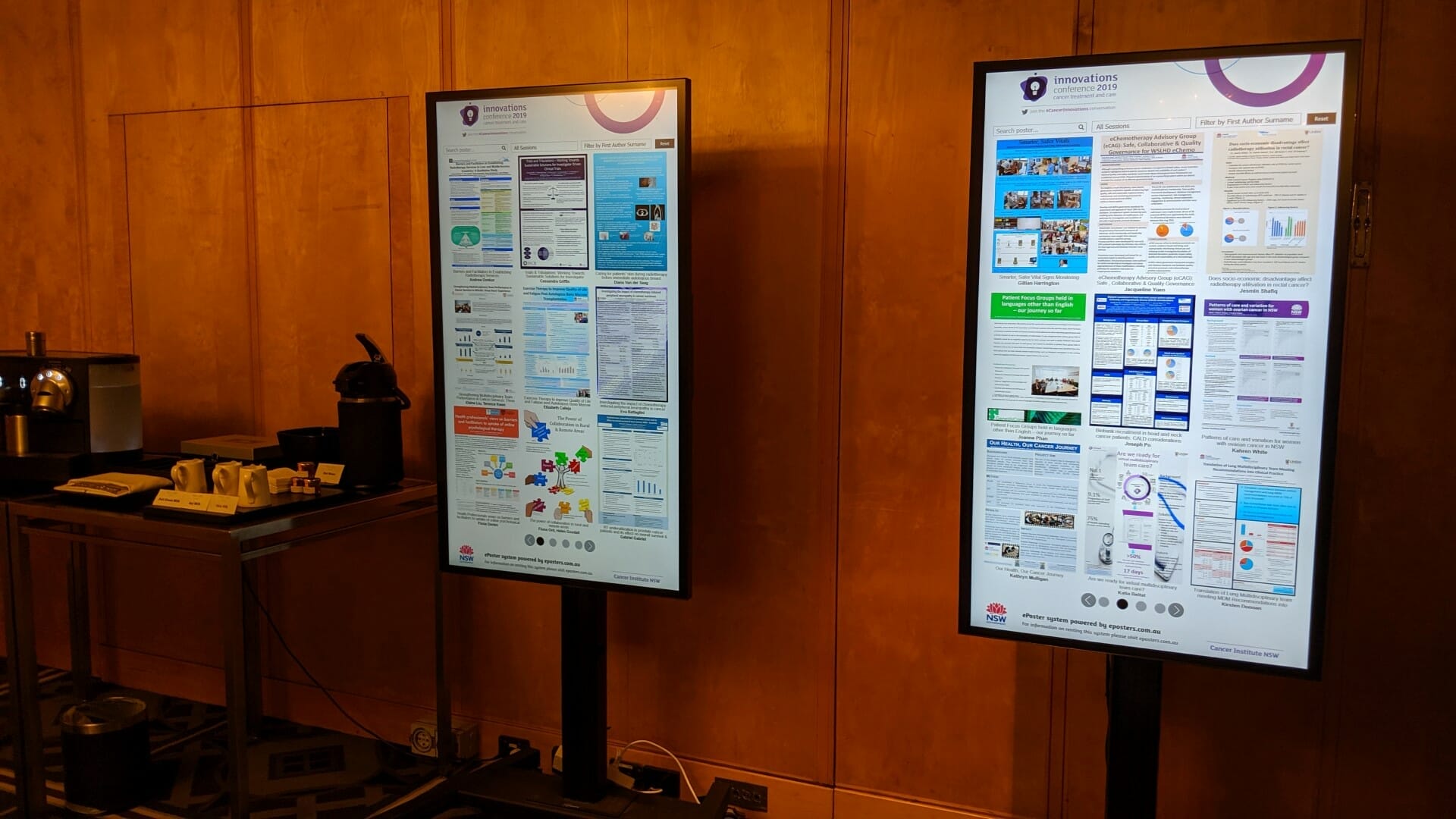
CANCER INSTITUTE NSW INNOVATIONS CONFERENCE
About this digital signage project We used our [...]
SYDNEY BUS METRO
About this digital signage project We used our [...]
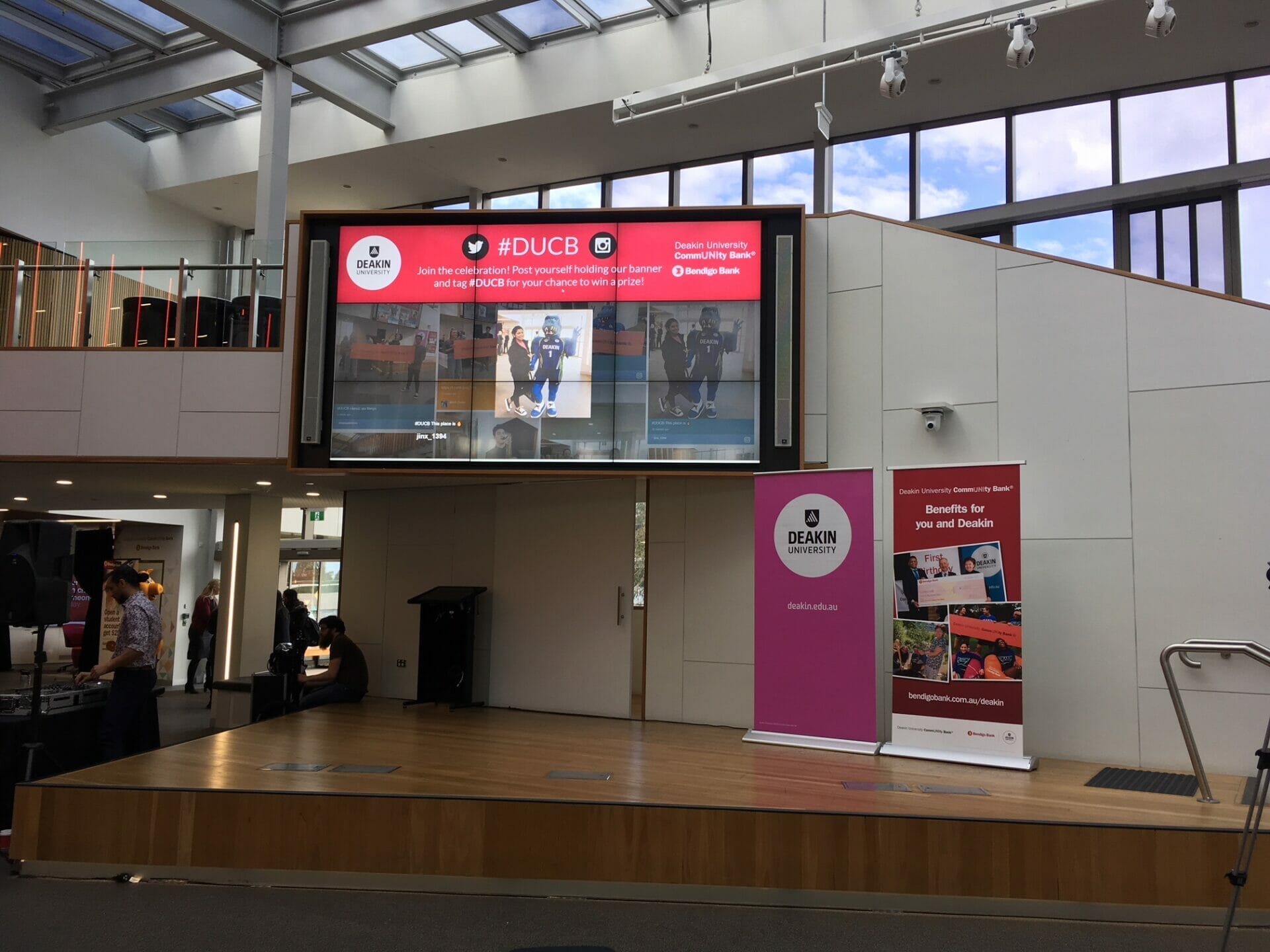
DEAKING UNIVERSITY EVENT SOCIAL WALL
About this digital signage project We used our [...]
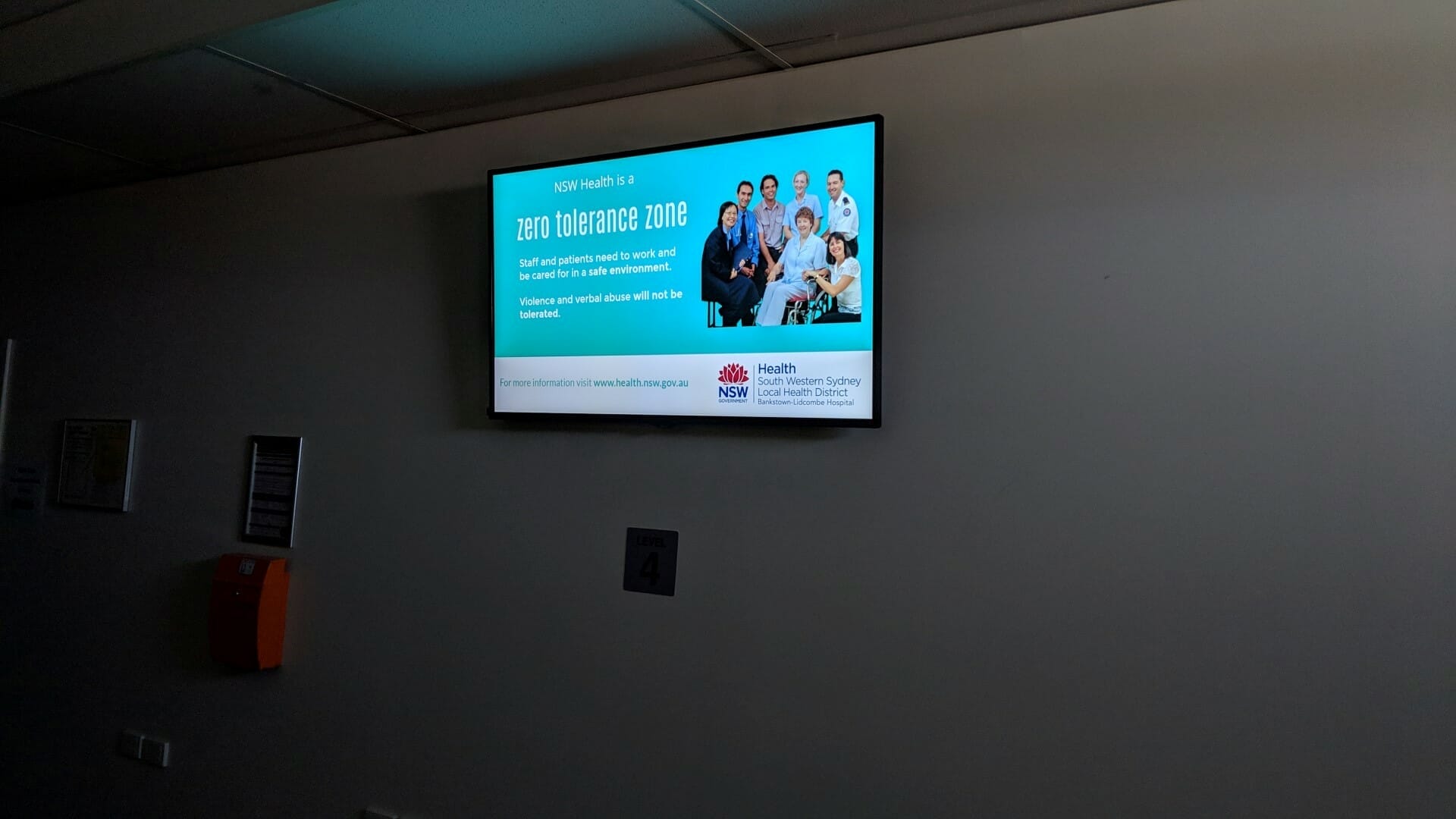
HOSPITAL DIGITAL SIGNAGE FOR BANKSTOWN HOSPITAL
About this digital signage project We used our [...]

UNSW HEALTH BEYOND RESEARCH & INNOVATION SHOWCASE
About this digital signage project We used our [...]
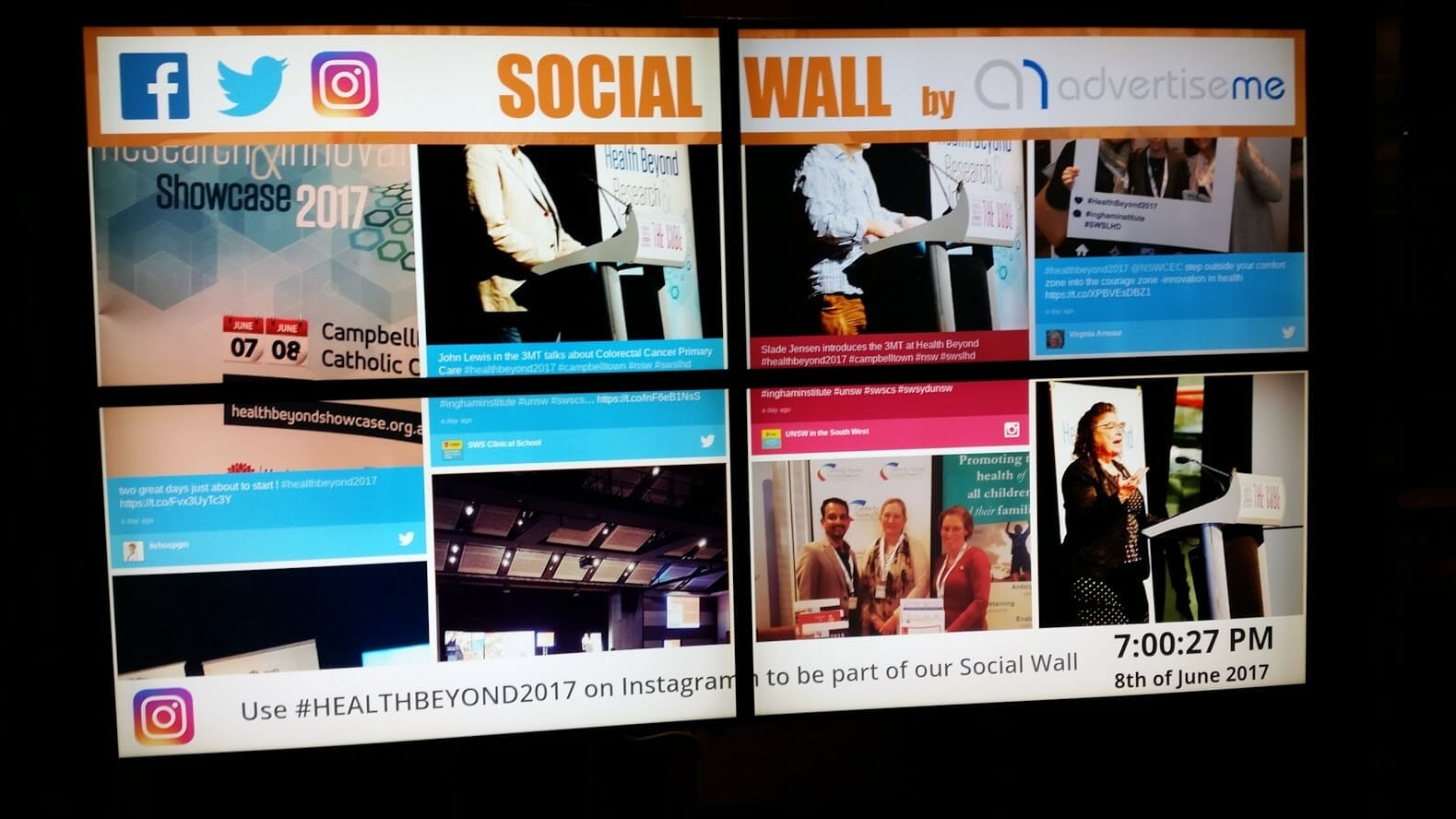
INGHAM INSTITUTE HEALTH AND BEYOND
About this digital signage project We used our [...]
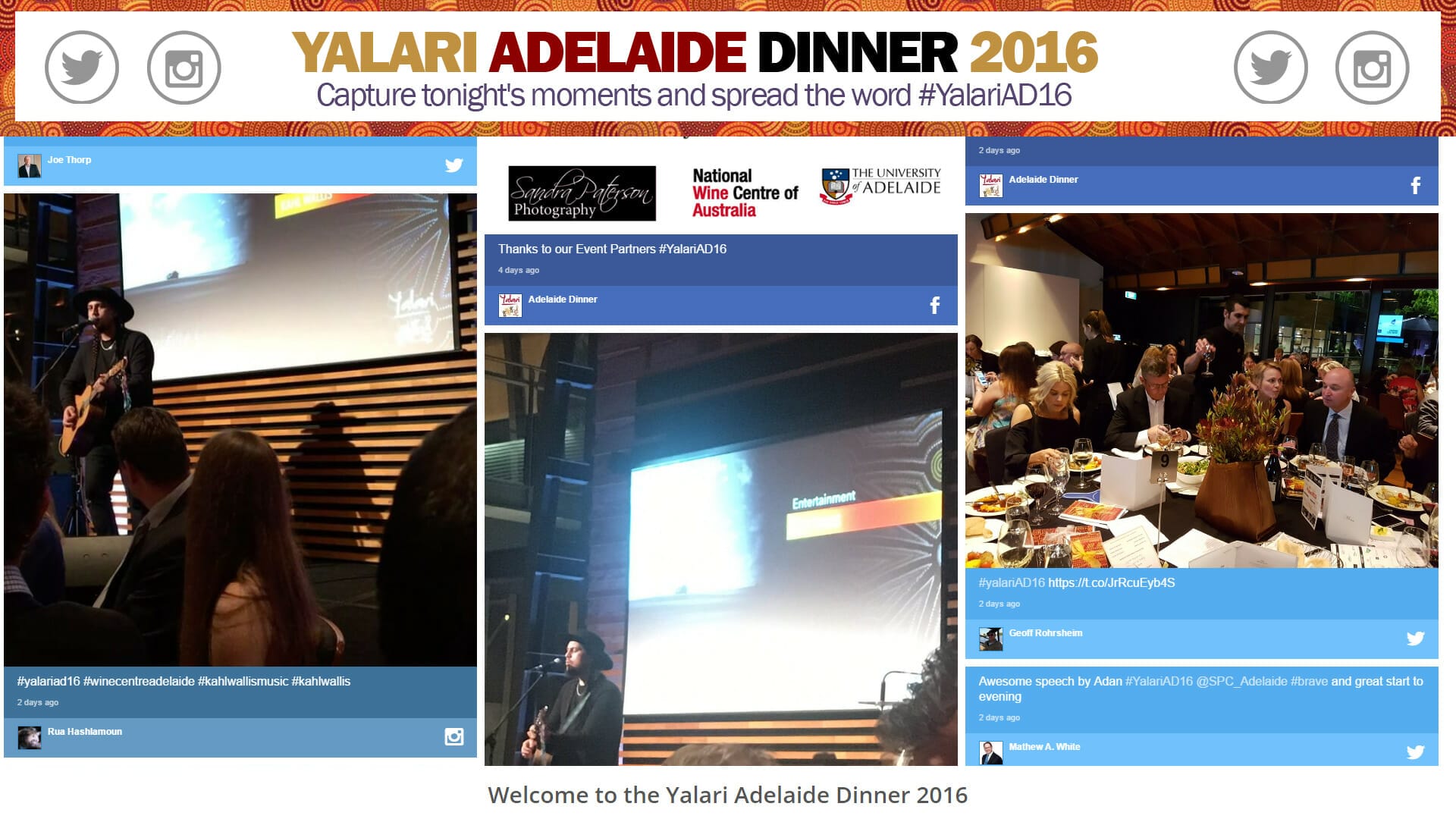
YALARI DINNER EVENT DIGITAL SIGNAGE
About this digital signage project We used our [...]