


A conference produces great moments between the keynote and the closing remarks. Put those moments where attendees can see them: on a venue screen that grows with the event.

Give the event a visual heartbeat
A photo wall can celebrate speakers, exhibitors, workshops and the people who make the day memorable. The Slideshow Photos Album tool uses a shared Google Photos album as its source, so event organisers can gather approved images in one place instead of rebuilding a presentation every hour.
The conference example above comes directly from the tool website. Its live interface shows how the idea can be presented as an event display rather than a static image gallery.
Plan the album before doors open
Create a shared album for the event and decide who will add photographs. Put the album link in the hands of a small content team, and check that it opens without a Google sign-in. Add a few welcome images before guests arrive so the display has a strong opening sequence.
During the event, focus on clear, energetic moments: full rooms, speaker portraits, partner activity and attendee interactions where consent allows. Avoid confidential slides, unreadable phone snapshots and repeated near-identical shots.
Design for the venue screen
Open the Wizard, paste the album URL and choose a display style that suits the stage or foyer screen. Test from the back of the room. A title that looks perfect on a laptop can be too small on a projector, while a busy image may compete with a sponsor message.
The tool offers a preview and a link you can share or embed. Run that preview on the same player and network you plan to use at the venue, then keep a fallback image ready for temporary connectivity gaps.
Add it to an event signage schedule
In Advertise Me TV digital signage software, use the slideshow display URL as a web content item where supported. Schedule it for registration, breaks and the closing reception, with agenda slides and wayfinding shown at other times. A foyer display can run the full photo story, while a stage side screen may need a simpler layout.
This gives the photo album and the signage playlist distinct jobs: the album holds the changing images; the signage schedule controls where and when the story appears.

Our latest digital signage software projects

GOOGLE PHOTOS SHARED ALBUM LIVE SLIDESHOW TOOL
Create a live slideshow from a shared Google Photos album and show it on digital signage screens.
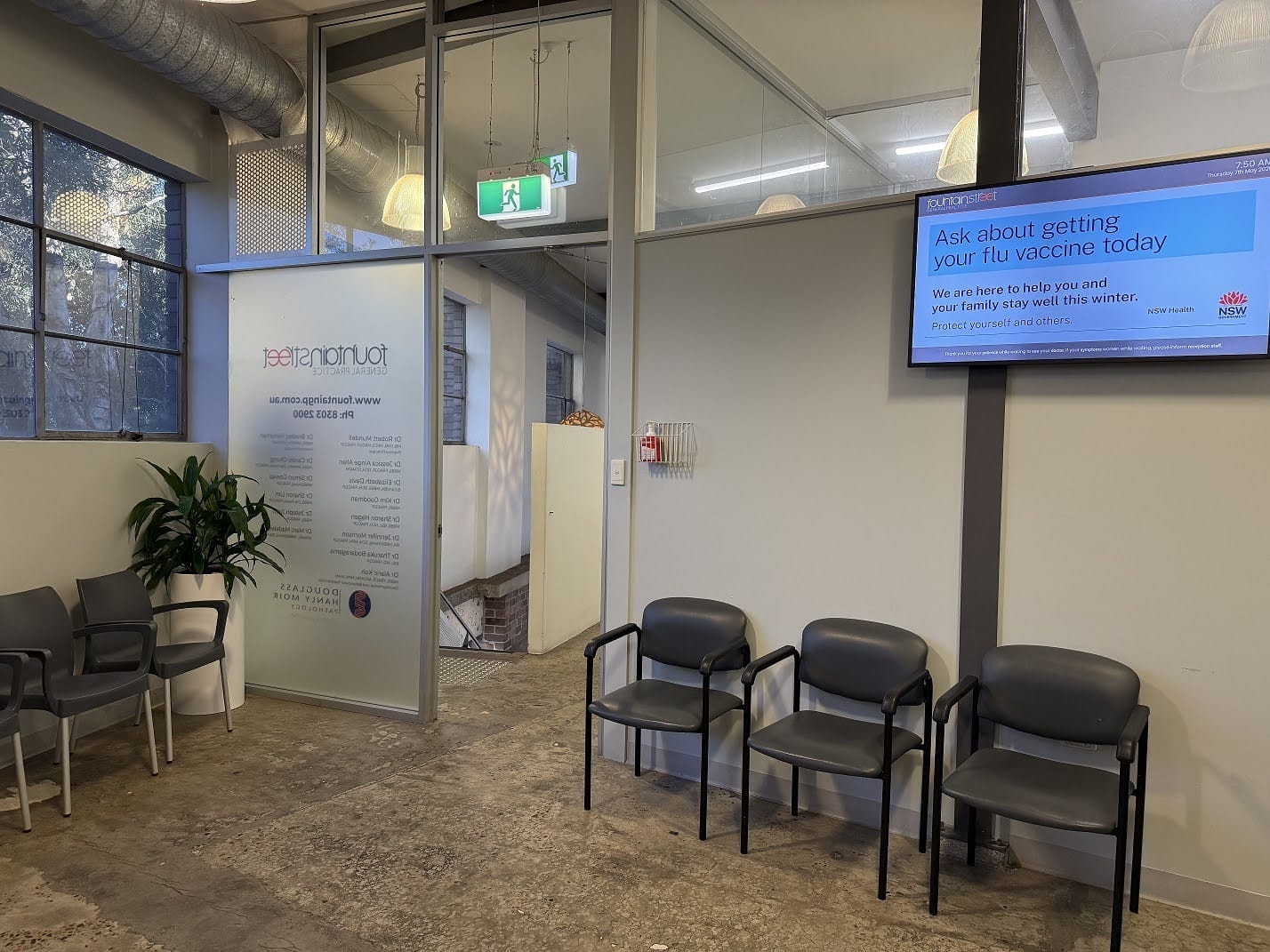
FOUNTAIN STREET GENERAL PRACTICE MEDICAL BOARDS
About this digital signage project Delivering a modern [...]
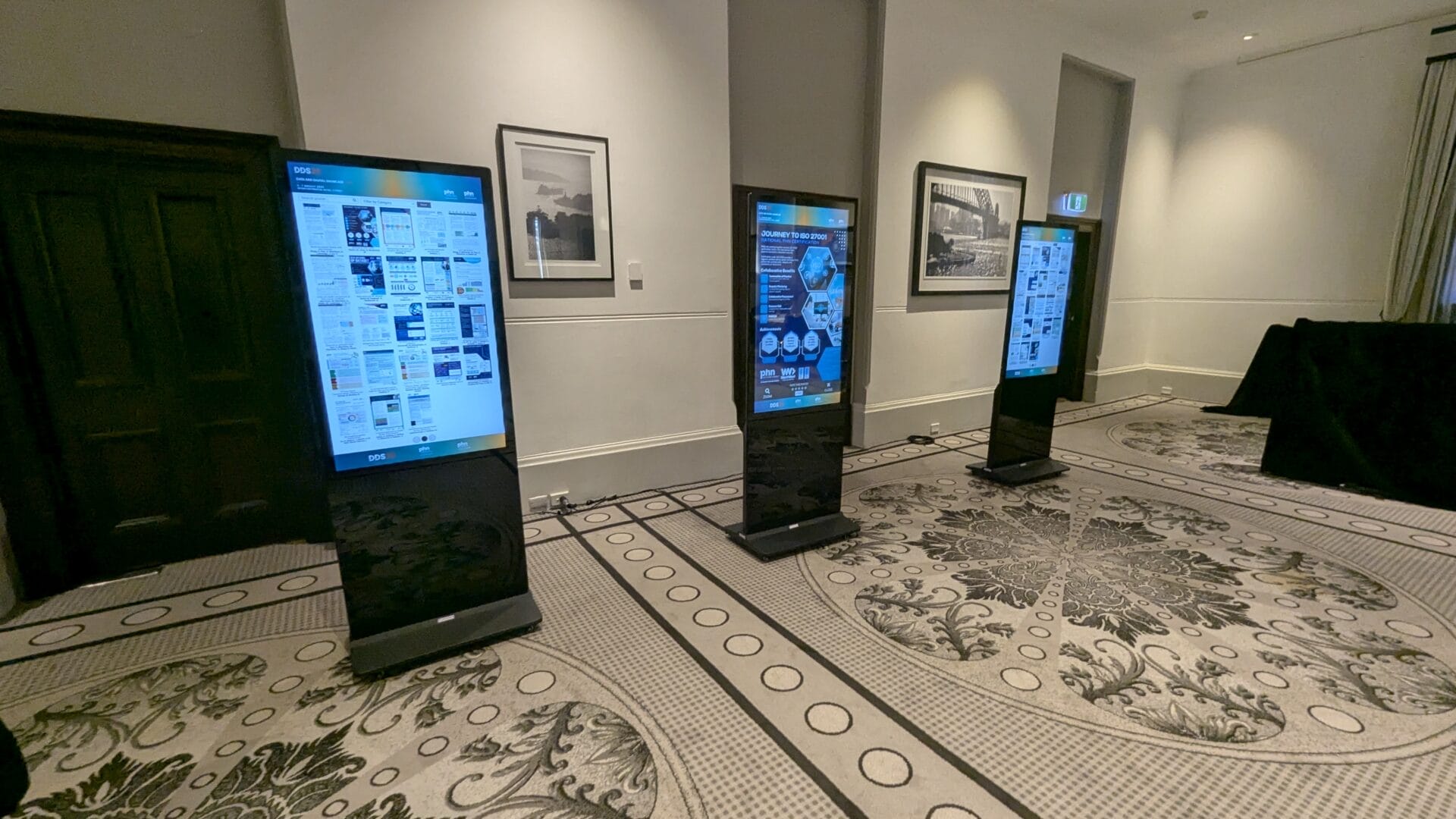
EPOSTERS CONFERENCE EVENT FOR CESPHN DDS25
About this digital signage project Advertise Me partnered [...]
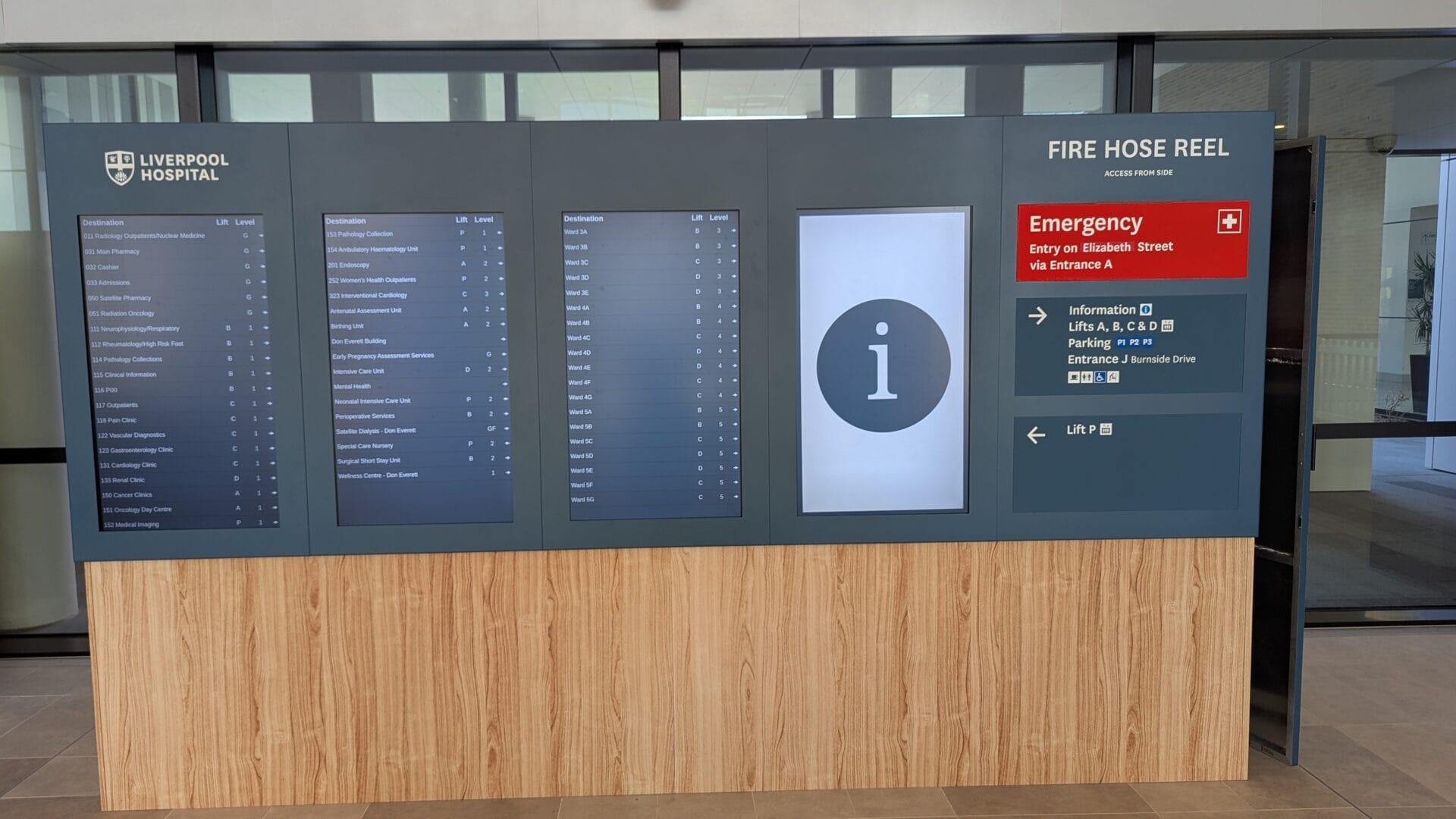
DIRECTORY BOARD LIVERPOOL HOSPITAL
About this digital signage project Our innovative Digital [...]
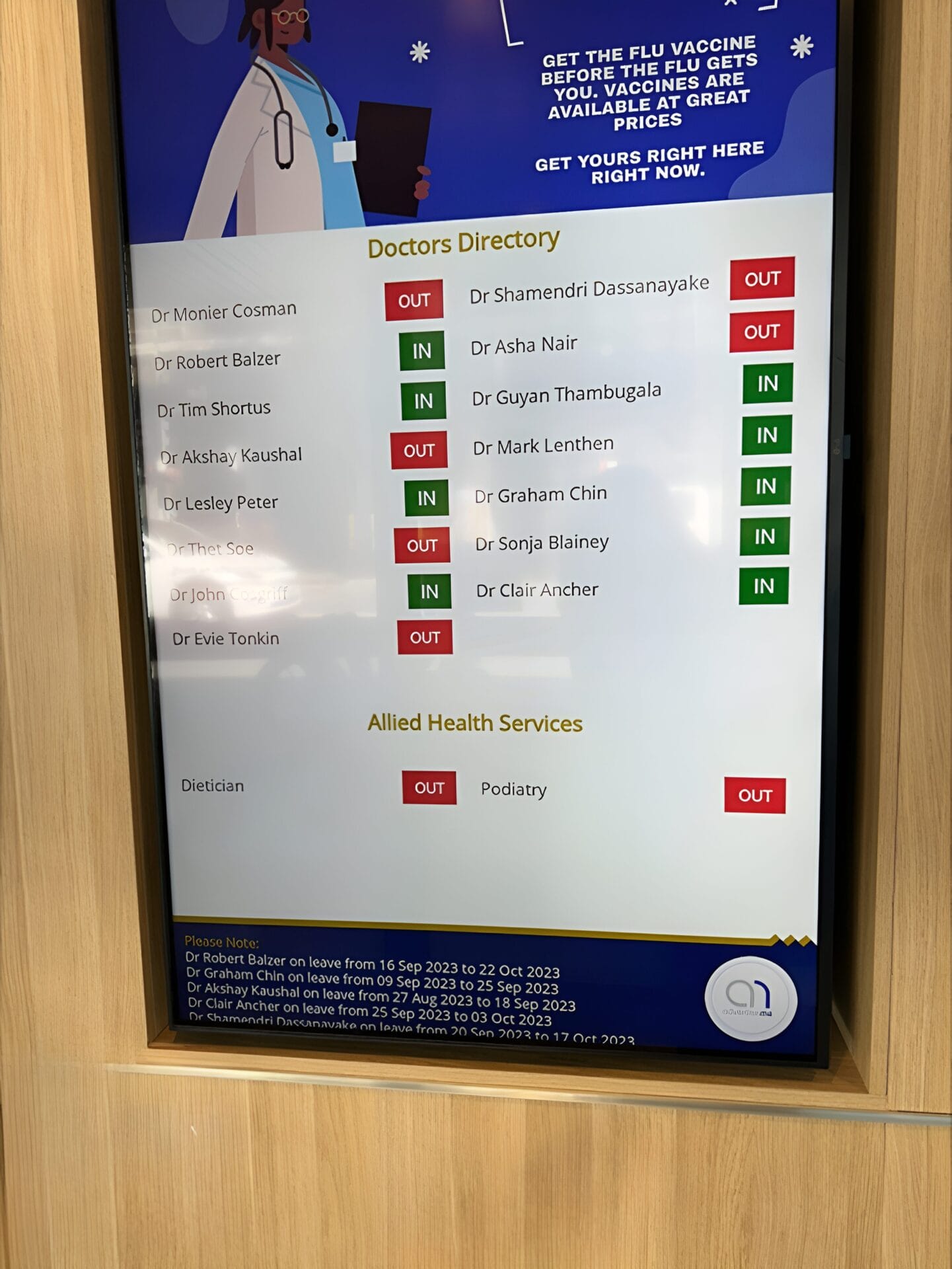
FULLERTON BROADWAY MEDICAL CENTRE DOCTOR DIRECTORY MEDICAL BOARD
About this digital signage project Our Digital Signage [...]
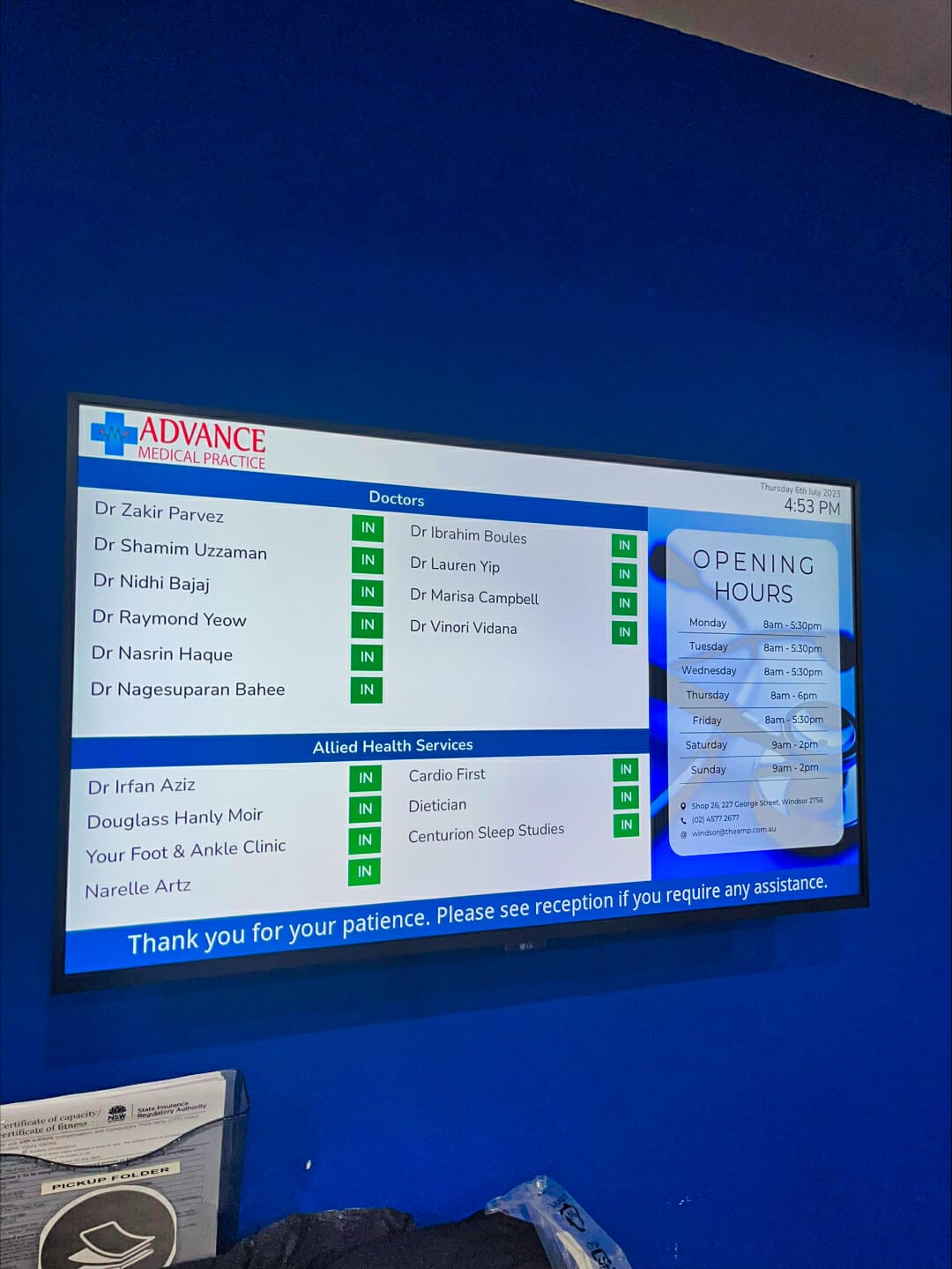
ADVANCE MEDICAL PRACTICE CENTRE DOCTOR DIRECTORY MEDICAL BOARD
About this digital signage project We used our [...]
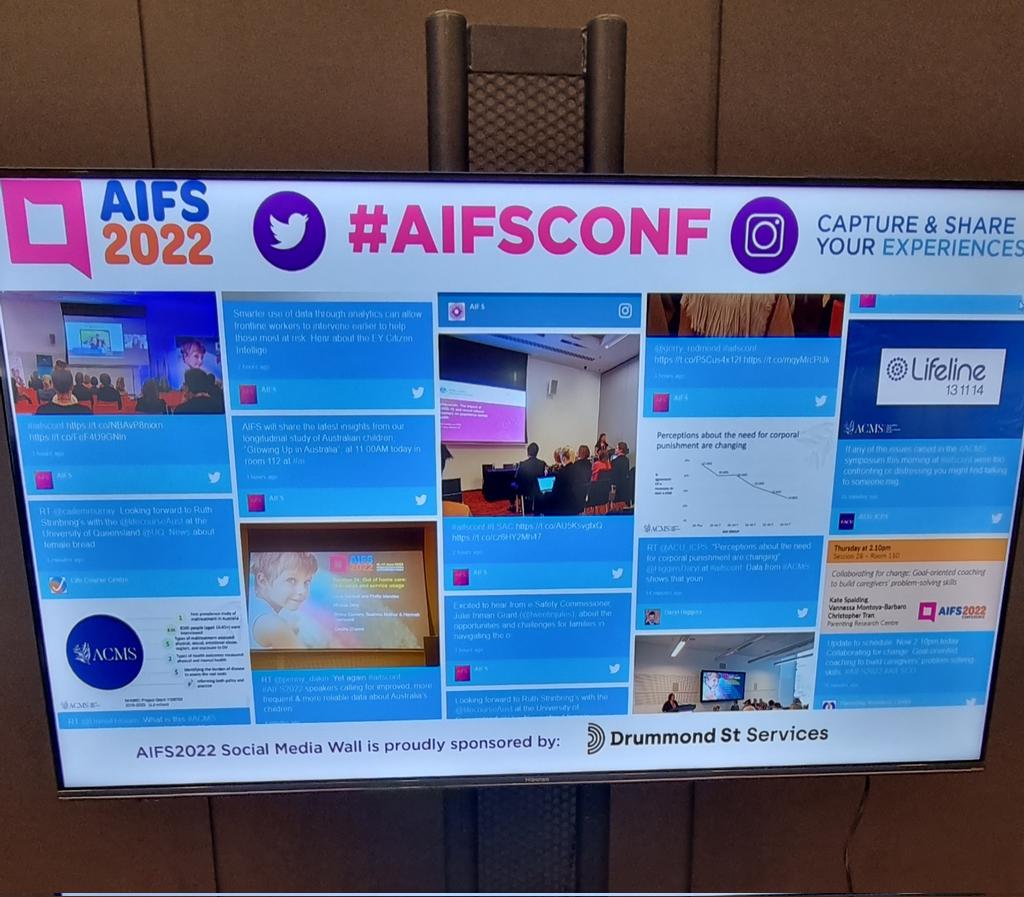
SOCIAL WALL FOR AIFCONF 2022
About this digital signage project We used our [...]
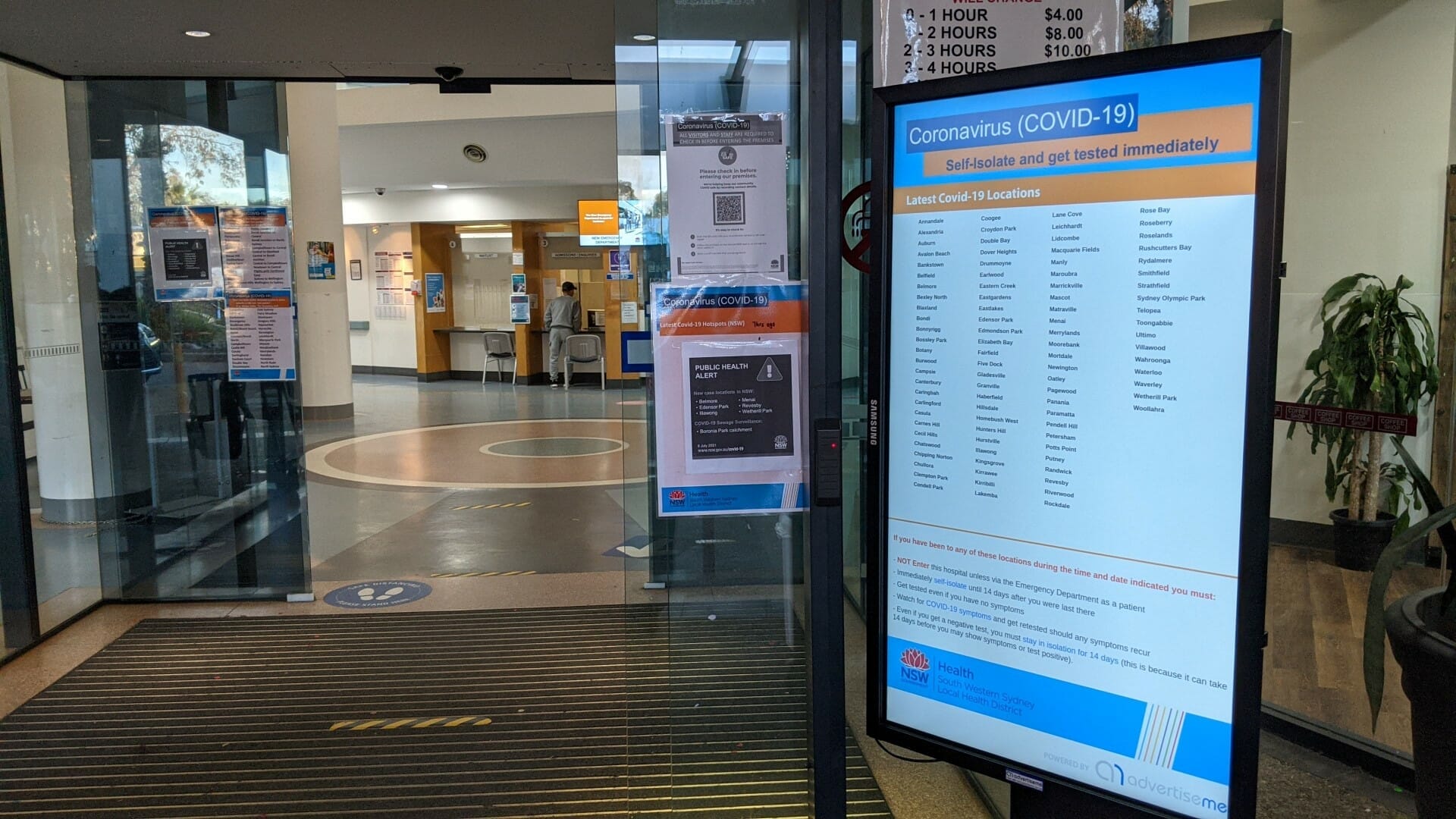
HOSPITAL PORTABLE STANDS FOR BANKSTOWN HOSPITAL
About this digital signage project We used our Digital [...]
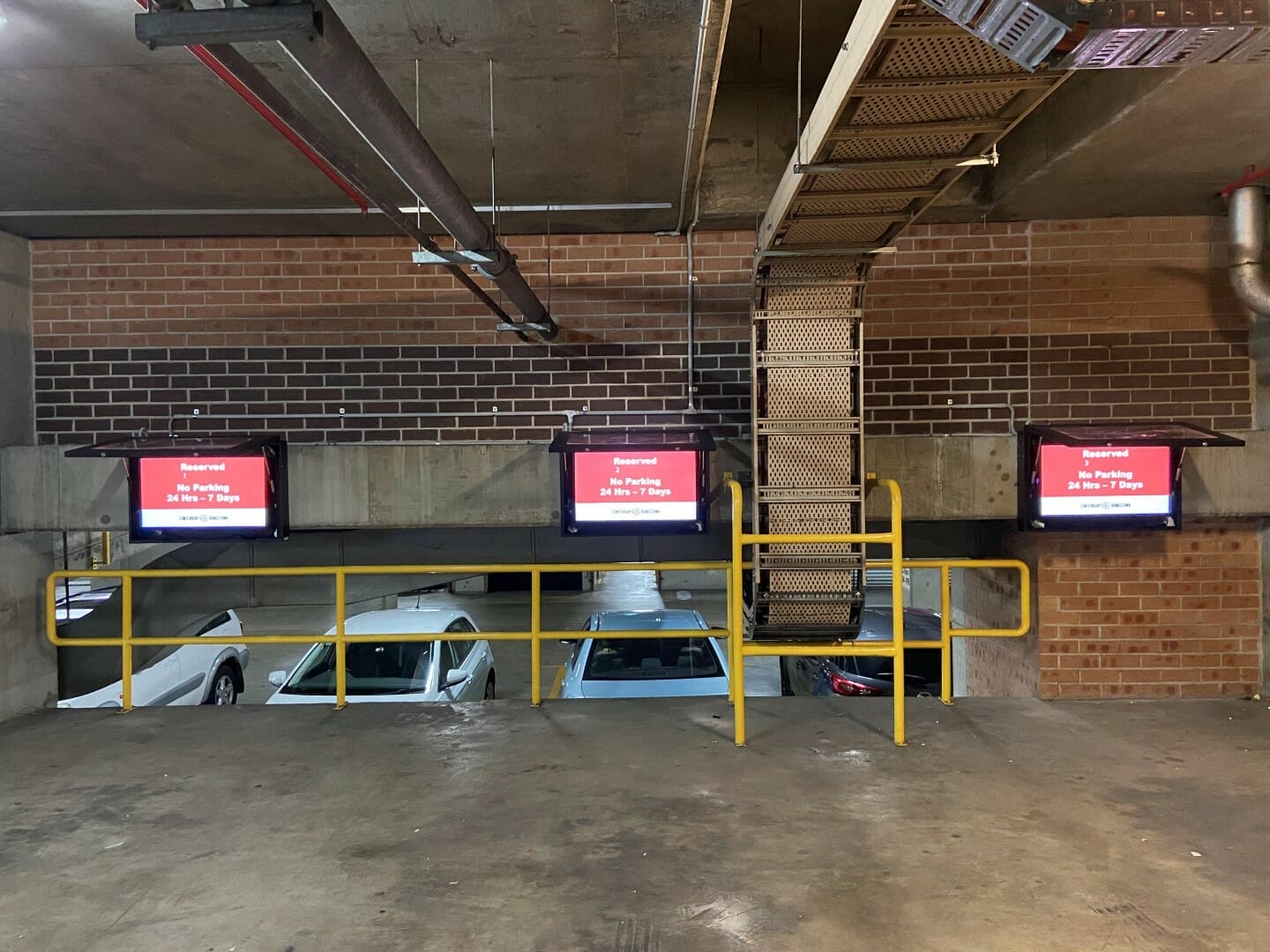
CAR PARK SYSTEM FOR COUNCIL
About this digital signage project We used our [...]
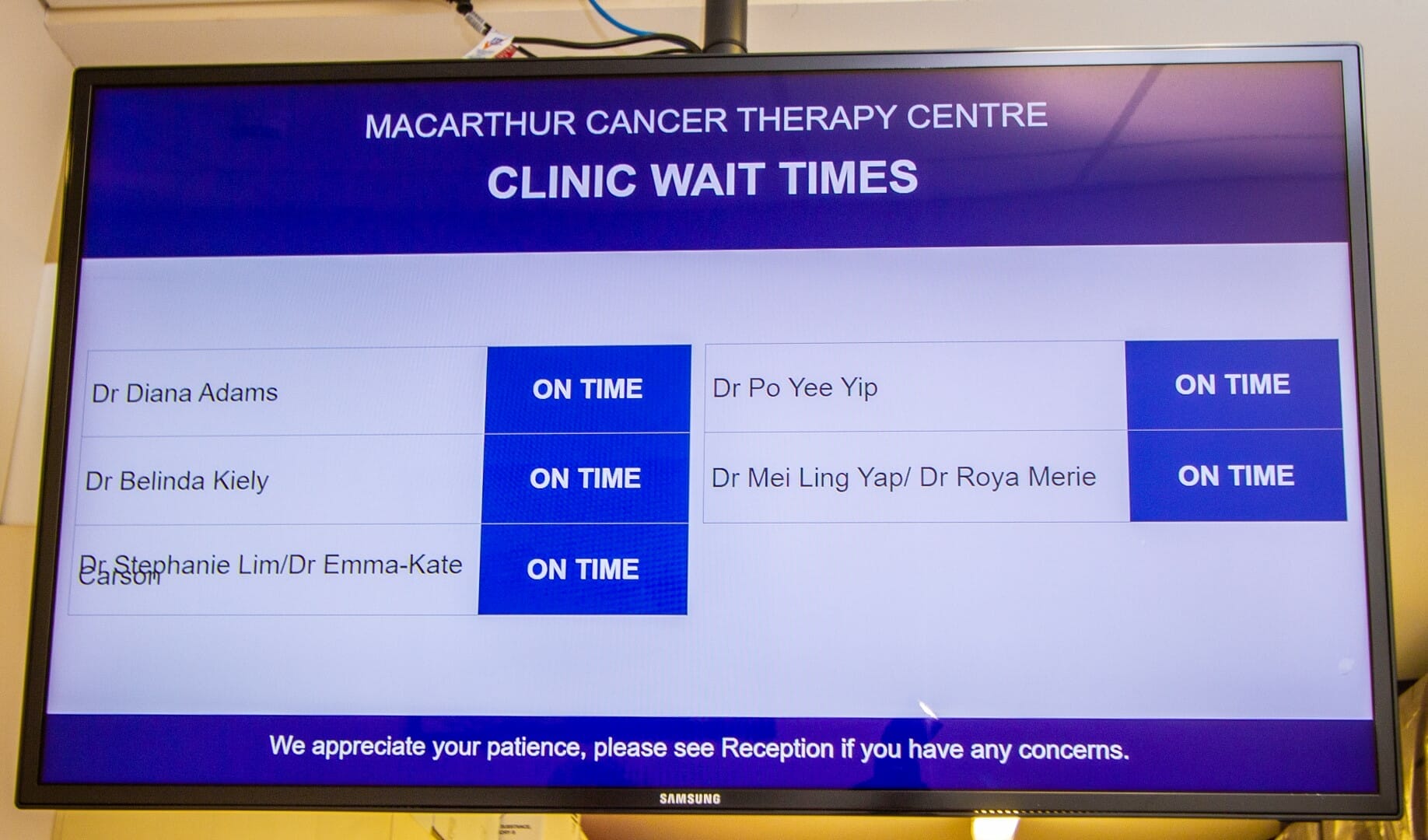
CLINIC WAIT TIMES FOR CANCER THERAPY CENTRE
About this digital signage project We used our [...]